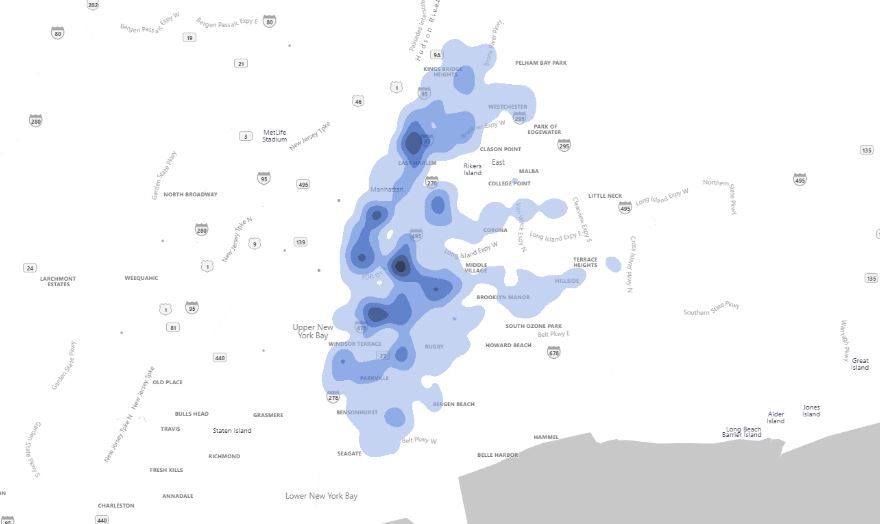
I think that Heat Map doesn't load properly. Some map elements don't show up (roads, rivers, neighbourhood borders, etc). It sounds like a bug. A new forum topic has been started regarding this and few people reported this
Forum topic
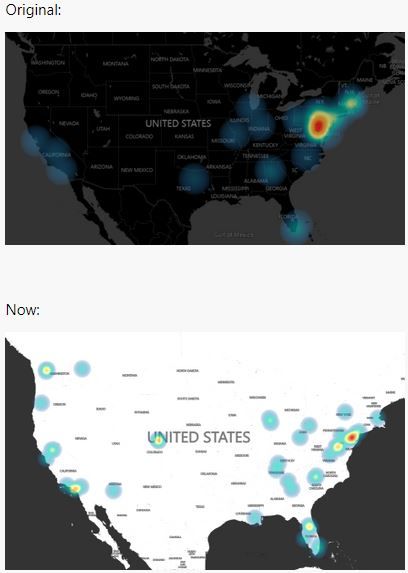
As you know, the settings of the heat map allow us to choose what will be visible on the map (area forest, building, roads, etc) but almost none of these show up. All land is blown-out white. The new look of the heat map is flat without many elements.
Changing the type under Map Control does not change this. Existing files with maps that used to look like below (type = Dark) now look like the second image below.


 mattlee
on:
Unremovable Scroll Bars
mattlee
on:
Unremovable Scroll Bars
 on:
Gateway 3000.322.4 (June 2026): refreshes failing ...
on:
Gateway 3000.322.4 (June 2026): refreshes failing ...