This is a minor frontend issue for the PowerBI Service that recently started happening. When you trigger a dataflow refresh on-demand, the little circle indicator next to the Last Refresh field starts spinning to denote it's running. However, it keeps spinning even after the refresh is complete, making it appear as if the refresh isis still going. The refresh indiciator stays in that active state even if you navigate away from it to another page in the Service and come back. Only an actual page refresh (vs. a history change event) resets the state and clears the indicator.
In the screenshot below, you can see the active refresh indicator going, while the refresh history shows the most recent one as complete:
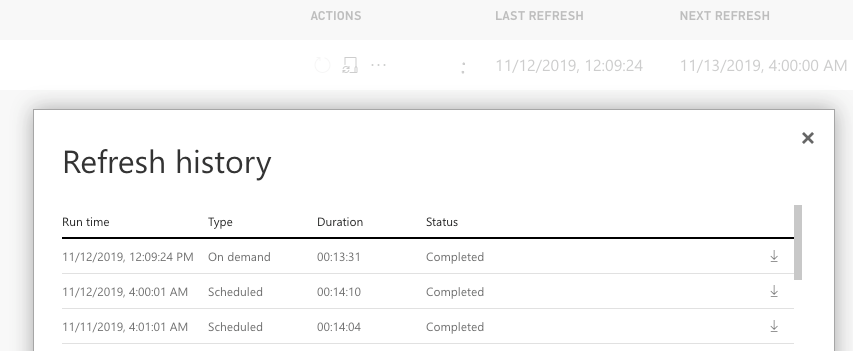 Last refresh shows completed but you can see two dots from the active refresh indicator
This is using Chrome version 78.0.3904.87 on macOS 10.12.6 (Sierra).

 mattlee
on:
Tooltip sentence mode overrides help tooltip conte...
mattlee
on:
Tooltip sentence mode overrides help tooltip conte...
 on:
Option to set key column is missing in June 2026 r...
on:
Option to set key column is missing in June 2026 r...
 KevinChant
on:
Issues with changing the workspace ID when version...
KevinChant
on:
Issues with changing the workspace ID when version...