So, after the August update this feature stoped working. I have attached pics below for better understanding.
When i try to use the date filter> equals to > the date of today or any other date it is returning empty table, but the table is not empty. Something changed after the update because I use this feature all the time with no problems.
Sorry in advance for bad screenshots, cant share all the data.
This is my first time posting.
What I get when i use = date
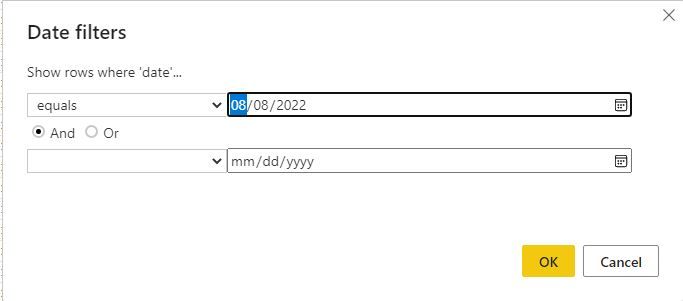 date filter equals
 returns empty
What it should return ( if i use this method it works)
 select the date manually
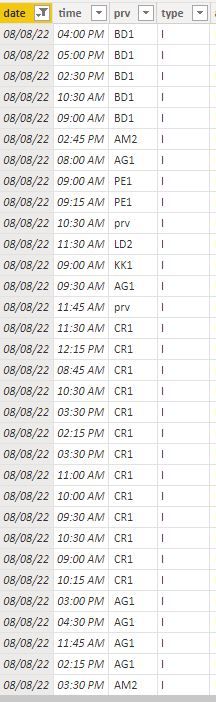 returns the filtered information correctly


 on:
app.powerbi.com down?
on:
app.powerbi.com down?
 DataZoe
on:
Set as landing page feature missing in Apr 2026 up...
DataZoe
on:
Set as landing page feature missing in Apr 2026 up...
 on:
Template App "Microsoft 365 Usage Analytics" faili...
on:
Template App "Microsoft 365 Usage Analytics" faili...
Please try to update to the latest version of Power BI Dekstop to check this issue again(2.108.825.0😞
Download Microsoft Power BI Desktop from Official Microsoft Download Center
Best Regards,
Community Support Team _ Yingjie Li