Hi!
I have a problem with PowerBI report visualisation in different browsers (Using iframe link at Sharepoint). Using Chrome browser, report is working correctly (expecting very slow data loading), but opening the same report in Internet Explorer, report doesn't display correct data and doesn't display Hierrarchy slicer. (It displays all data, not only filtered) Also not one filter or map is working at all (no reaction on click on the report)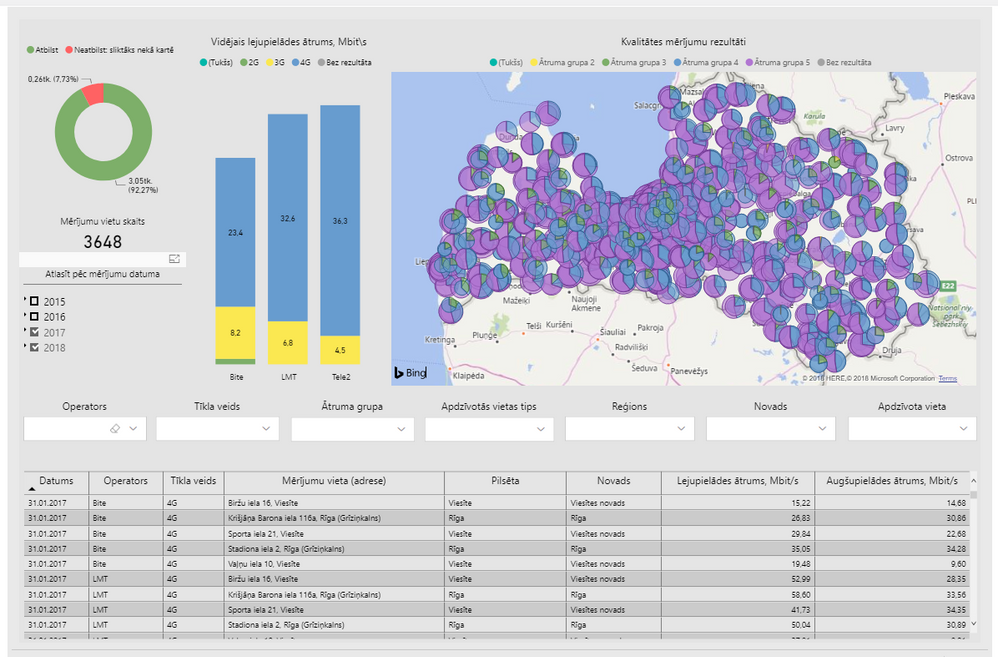
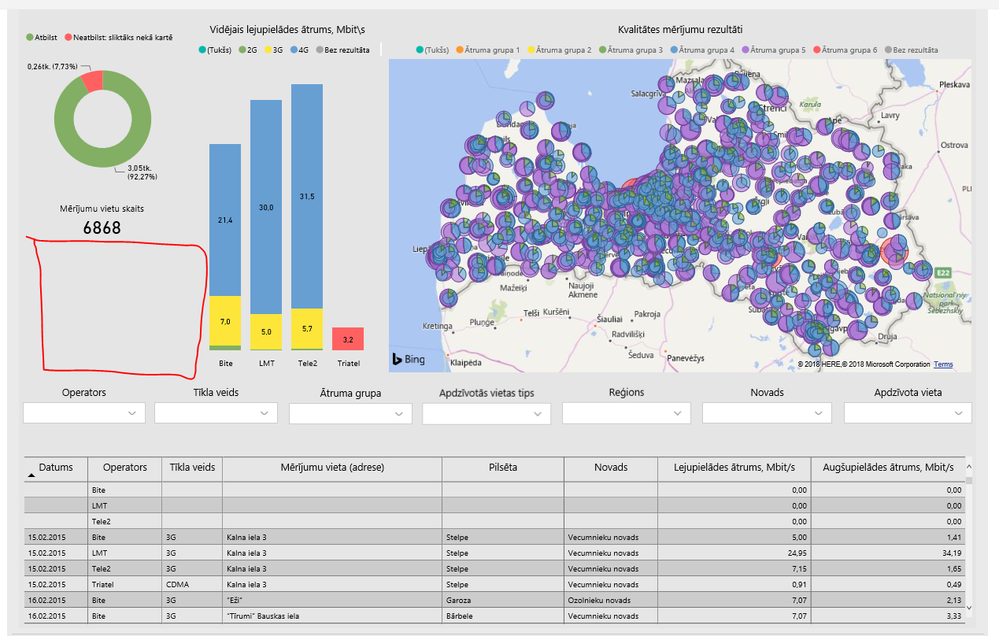
One more problem is data loading on the map, which is published to the web page. It is necessary to wait for a long time if I want to see all displayed data. Sometimes, a part of data not displaying at all and after web page refresh, the report became as a blank white page.
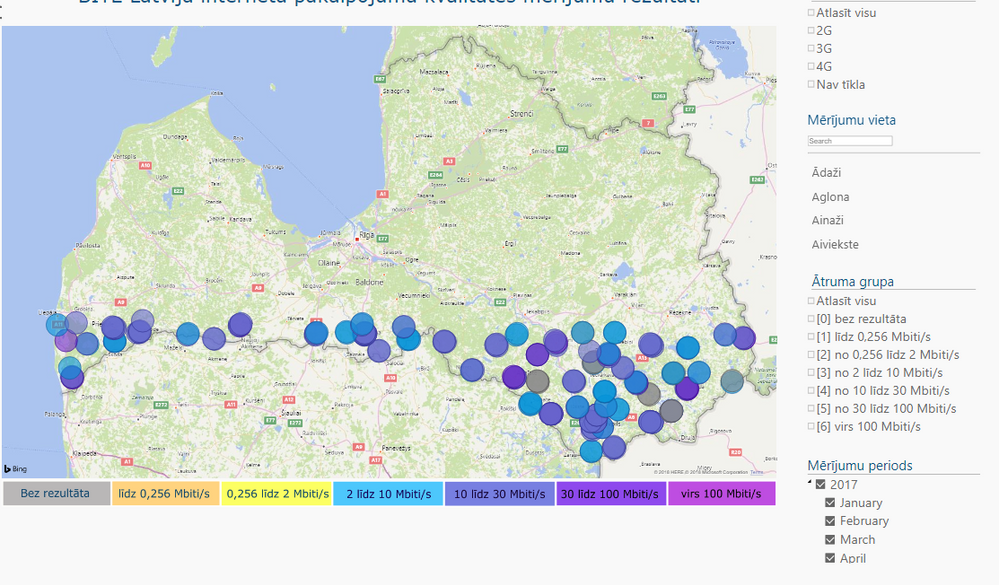 After web page with report was opened
 After 5 minutes data is still loading...
 After web page refresh a part of data is missing
The same problem is on all PC I have tested.
Any ideas?

 on:
Dynamic Subscription Sent Default Page instead of ...
on:
Dynamic Subscription Sent Default Page instead of ...
 mattlee
on:
Unremovable Scroll Bars
mattlee
on:
Unremovable Scroll Bars
 on:
Gateway 3000.322.4 (June 2026): refreshes failing ...
on:
Gateway 3000.322.4 (June 2026): refreshes failing ...