Please see this thread for details: http://community.powerbi.com/t5/Desktop/Google-Analytics-Limit-Exceeded-Error/m-p/371004#M168194
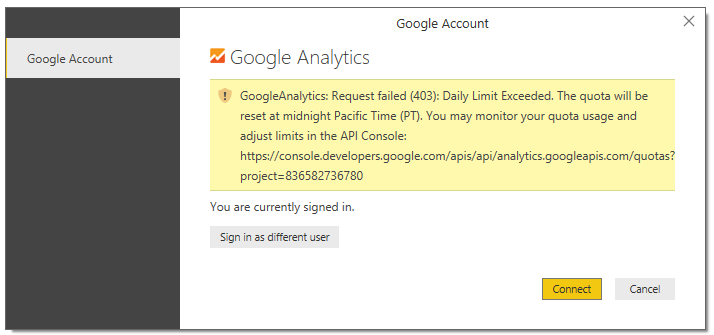
For the past couple of weeks some users have been experiencing issues connecting to Google Analytics. Errors include Invalid Credentials and Daily Limit Exceeded but the upshot is that no data can be refreshed. Once a user experiences the error they can't connect from a new Power BI file or using a different Google Analytics login.
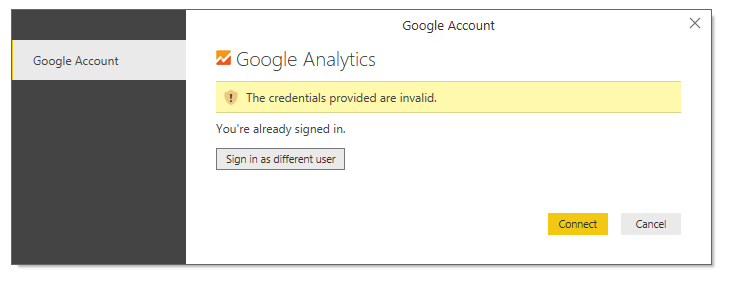
The individual GA accounts have not reached their daily limit for API calls. Users are also unable to view the project referenced in the link given in the error message. The same project ID is given to every user, making this appear to be a Power BI connector issue, rather than an issue with the individual GA accounts (see below).
Please investigate and advise when this issue is resolved.

 mattlee
on:
Unremovable Scroll Bars
mattlee
on:
Unremovable Scroll Bars
 on:
Gateway 3000.322.4 (June 2026): refreshes failing ...
on:
Gateway 3000.322.4 (June 2026): refreshes failing ...