There are two issues with Treemap data colors:
Conditional formatting by field value
It looks like conditional formatting by field value does not work for the Treemap visual.
Happens both in Power BI service and Power BI Desktop.
I am using Power BI Desktop 2.67.5404.581 64-bit (March 2019).
Data colors
Also, in Power BI service, the Treemap visual won't display my measure, which returns 1.
It's the only field I am using:
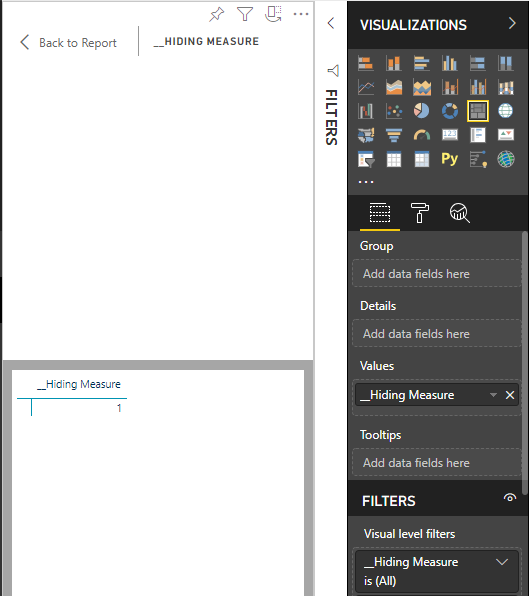
I do not see an option to change the data color in the Format pane:
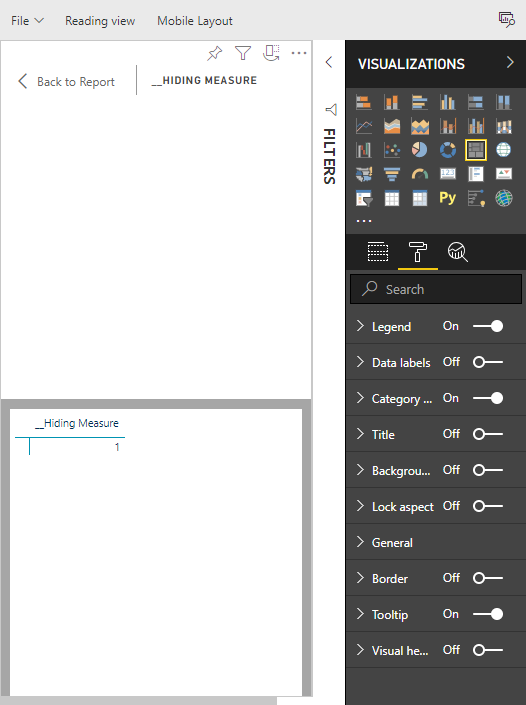
This option does appear in Power BI Desktop though.
__Hiding Measure returns either 1 or 0 -- just to provide some details.


 on:
Issue with new card visual - reference labels spac...
on:
Issue with new card visual - reference labels spac...
 mattlee
on:
Issue with new card visual after publishing to PBI...
mattlee
on:
Issue with new card visual after publishing to PBI...
 on:
Issue with Card Visual Layout After November Power...
on:
Issue with Card Visual Layout After November Power...
 on:
Adding a measure or column as a tooltip to an Azur...
on:
Adding a measure or column as a tooltip to an Azur...