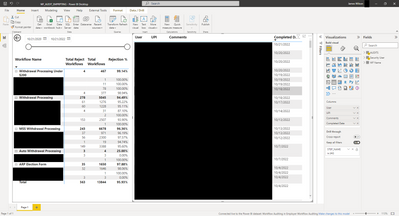
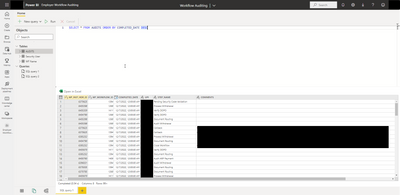
I have a custom report that points to a datamart in powerbi. The datamart refreshes daily pulling audits. Long story short, no matter if I point the report at the dataset or datamart, unless I manually go into edit the datamart, save and then refresh the data, the data stops refreshing on the report. See images below. The crazy thing is, in the datamart I can query it and the data is up to date, but even when i hit refresh on the report, it is not up to date. See images below for what I mean.
I have attempted to remove the date filter tool and that also has no effect.
Let me know if you have any ideas or work arounds, thanks!

 Hongju_Jung
on:
Translation Issue in the Korean Version
Hongju_Jung
on:
Translation Issue in the Korean Version
 on:
Issue with new card visual - reference labels spac...
on:
Issue with new card visual - reference labels spac...