Hello Team,
Facing issue in upgrading the Power BI desktop (April File) to May month in Remote Server. Error its asking as .MSI file not found.
Issue Details - The path "C:\Program Files\Microsoft Power BI Desktop\bin\PBIDesktop_x64.msi" cannot be found. Verify that you has access to this location and try again or try to find the installation package "PBIDesktop_x64.msi" in a folder from which you can install the product Microsoft Power BI Desktop (x64).
Remote Server Details - OS - Windows Server 2012 R2 Standard
Any ideas/suggestions are most welcome for the above mentioned issue.
Regards,
Praveen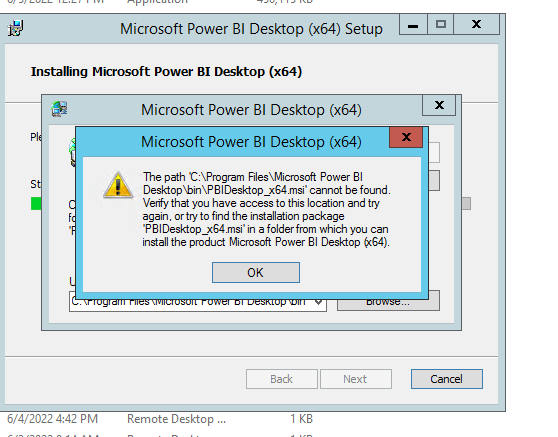
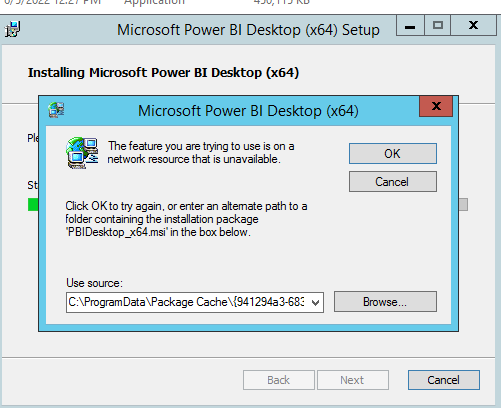
Powerbi Desktop installation Failed

 on:
BUG: report connected to deleted semantic model ca...
on:
BUG: report connected to deleted semantic model ca...