This is best Fabric, Power BI, SQL and AI community event. How do we know? The last event sold out! Save €200 with code FABCMTY200.
Register nowA new Data Days event is coming soon! This time we’re going bigger than ever. Fabric, Power BI, SQL, AI and more. Don't miss out.
Hi,
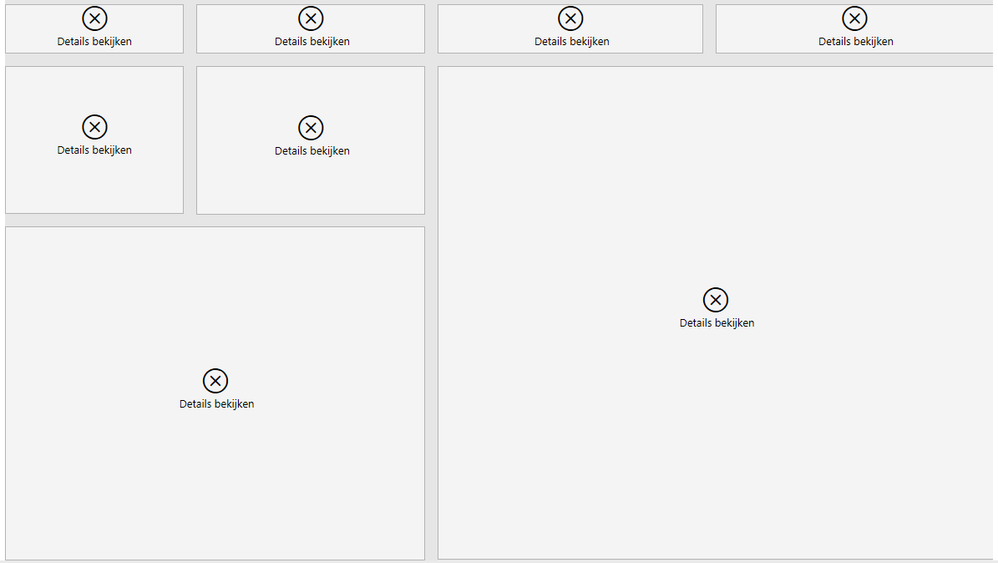
When sharing my dashboard with external users they see the following when they open the link in the email:
The error says the following: "Cannot load data for this visual"
My data source is a SharePoint folder, does this have anything to do with the error?
Solved! Go to Solution.
Hi @rolf1994,
Have you enabled any RLS setting on these reports? It may caused the issue.
Regards,
Xiaoxin Sheng
Hello,
Row level security removed - still getting this error for external users. Please help!!
Yes they have,
They are able to see other reports i shared with them.
Hi @rolf1994,
Have you enabled any RLS setting on these reports? It may caused the issue.
Regards,
Xiaoxin Sheng
Hi Rolf,
i didn't understand very well the solution coz i have the same issue with my groups. could please how the solution by using visuals so i can learn quickly (i'm still learning...)
Hi,
The solution for me was simple, I removed Row Level Security and external users which I shared my dashboard with did not receive errors anymore.
Thanks! RLS was the problem
Sign up to receive a private message when registration opens and key events begin.
If you have recently started exploring Fabric, we'd love to hear how it's going. Your feedback can help with product improvements.
| User | Count |
|---|---|
| 11 | |
| 10 | |
| 7 | |
| 7 | |
| 7 |
| User | Count |
|---|---|
| 28 | |
| 25 | |
| 22 | |
| 22 | |
| 20 |