Get certified for free when you join Fabric Data Days 2026 and dive into Fabric, Power BI, SQL, AI, and other essential data skills.
Join nowJuly 7 - July 17 | Round 2 of the Power BI Dataviz World Championships. Don't miss your chance! Learn more
Hi,
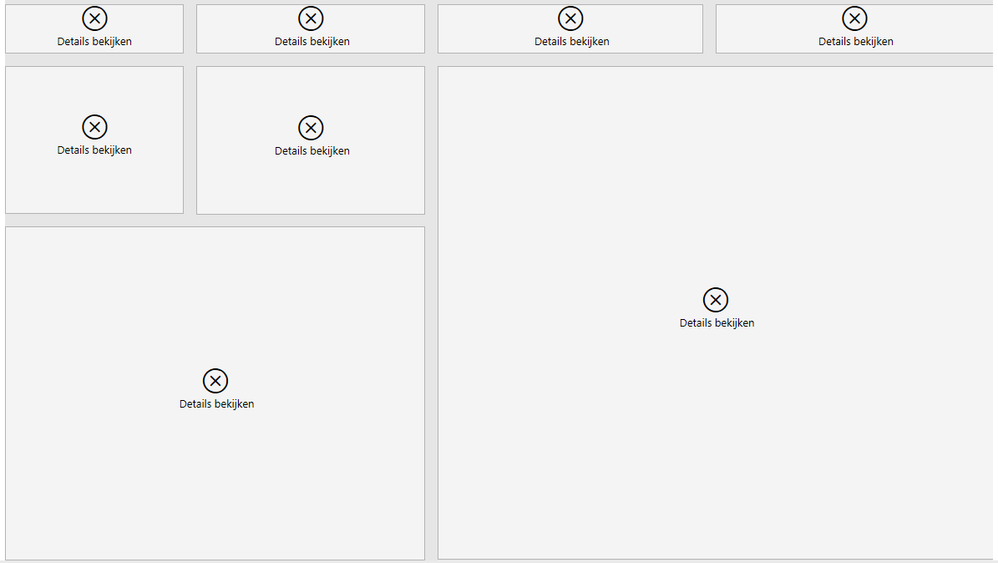
When sharing my dashboard with external users they see the following when they open the link in the email:
The error says the following: "Cannot load data for this visual"
My data source is a SharePoint folder, does this have anything to do with the error?
Solved! Go to Solution.
Hi @rolf1994,
Have you enabled any RLS setting on these reports? It may caused the issue.
Regards,
Xiaoxin Sheng
Hello,
Row level security removed - still getting this error for external users. Please help!!
Yes they have,
They are able to see other reports i shared with them.
Hi @rolf1994,
Have you enabled any RLS setting on these reports? It may caused the issue.
Regards,
Xiaoxin Sheng
Hi Rolf,
i didn't understand very well the solution coz i have the same issue with my groups. could please how the solution by using visuals so i can learn quickly (i'm still learning...)
Hi,
The solution for me was simple, I removed Row Level Security and external users which I shared my dashboard with did not receive errors anymore.
Thanks! RLS was the problem
Join us in Barcelona for FabCon and SQLCon, the Fabric, Power BI, SQL, and AI community event. Save €200 with code FABCMTY200.
Join Data Days 2026: 60 days of free live/on-demand sessions, challenges, study groups, and certification opportunities.
| User | Count |
|---|---|
| 22 | |
| 10 | |
| 10 | |
| 6 | |
| 4 |
| User | Count |
|---|---|
| 32 | |
| 25 | |
| 18 | |
| 18 | |
| 17 |