Get certified for free when you join Fabric Data Days 2026 and dive into Fabric, Power BI, SQL, AI, and other essential data skills.
Join nowJuly 28 - August 9 | Final Round of the Power BI Dataviz World Championships. This is your chance. Learn more
Hello guys,
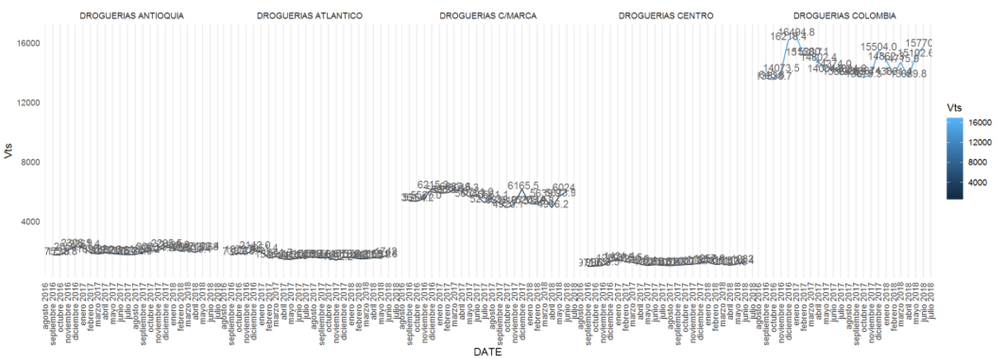
Anyone knows how can I add an horizontal scroll bar to an R visualization, the x axis has a lot of values and the chart gets unreadible, I'm using ggplot btw.
@SebastianLM,
Based on my research, it is not possible to add scrollbar when using ggplot as ggplot is designed to make static images you can print.
For creating interactive graphics or scrollbar, you can use plotly. There is a similar blog for your reference.
https://powerbi.microsoft.com/en-us/blog/interactive-r-custom-visuals-support-is-here/
Regards,
Lydia
Cool! I'll take a look and let you know how it goes.
Thanks.
If you love stickers, then you will definitely want to check out our community sticker challenge, Barcelona edition!
Check out the July 2026 Power BI update to learn about new features.
| User | Count |
|---|---|
| 28 | |
| 28 | |
| 20 | |
| 19 | |
| 19 |
| User | Count |
|---|---|
| 35 | |
| 26 | |
| 19 | |
| 18 | |
| 17 |