This is best Fabric, Power BI, SQL and AI community event. How do we know? The last event sold out! Save €200 with code FABCMTY200.
Register nowA new Data Days event is coming soon! This time we’re going bigger than ever. Fabric, Power BI, SQL, AI and more. Don't miss out.
Hello guys,
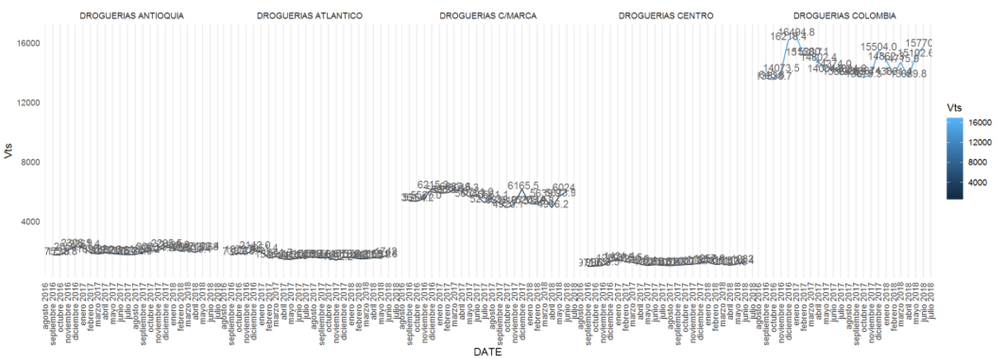
Anyone knows how can I add an horizontal scroll bar to an R visualization, the x axis has a lot of values and the chart gets unreadible, I'm using ggplot btw.
@SebastianLM,
Based on my research, it is not possible to add scrollbar when using ggplot as ggplot is designed to make static images you can print.
For creating interactive graphics or scrollbar, you can use plotly. There is a similar blog for your reference.
https://powerbi.microsoft.com/en-us/blog/interactive-r-custom-visuals-support-is-here/
Regards,
Lydia
Cool! I'll take a look and let you know how it goes.
Thanks.
Check out the May 2026 Power BI update to learn about new features.
Sign up to receive a private message when registration opens and key events begin.
If you have recently started exploring Fabric, we'd love to hear how it's going. Your feedback can help with product improvements.
| User | Count |
|---|---|
| 26 | |
| 24 | |
| 22 | |
| 19 | |
| 17 |
| User | Count |
|---|---|
| 42 | |
| 42 | |
| 41 | |
| 21 | |
| 20 |