
cancel
Showing results for 
Search instead for 
Did you mean: 

Join the FabCon + SQLCon recap series. Up next: Power BI, Real-Time Intelligence, IQ and AI, and Data Factory take center stage. All sessions are available on-demand after the live show. Register now

Reply
Anonymous
Not applicable

Report theming

I am relatively new to PowerBI. When I started I set up a dataset in Desktop and then published with a report to Service. I've since updated the dataset a number of times and republished it. In that time I've also developed a number of other reports for specific audiences solely in service. I've now discovered the theming options for reports but I believe this can only be applied in the Desktop. 


I tried downloading reports, applying my theme and then republishing but this appears to create an additional dataset.


Is there any way that I can apply themes to the reports I've created in service?

2 REPLIES 2
v-lili6-msft
Community Support
Community Support

hi, @Anonymous 

I tried downloading reports, applying my theme and then republishing but this appears to create an additional dataset.

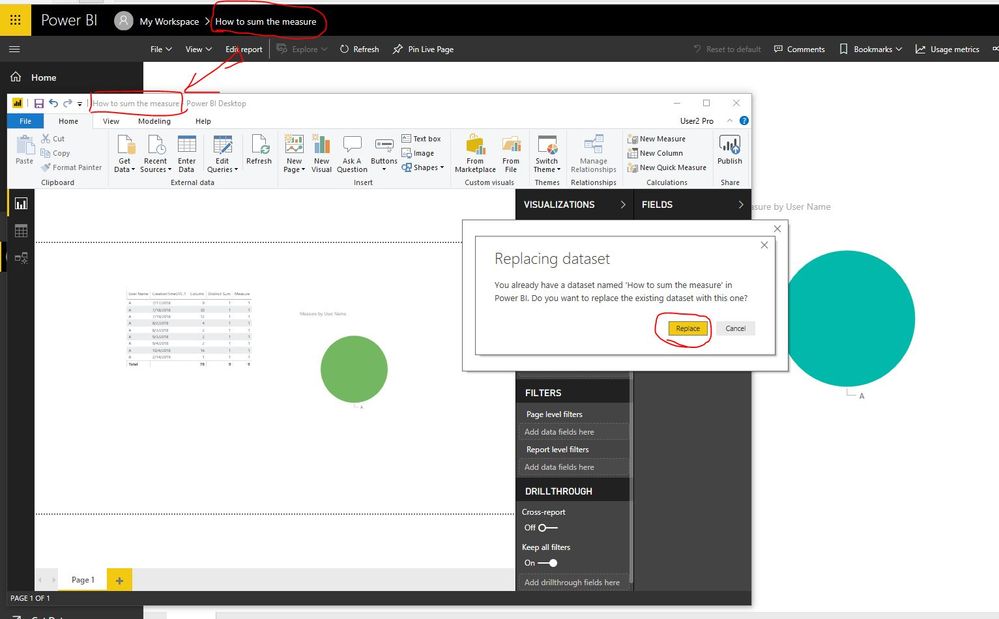
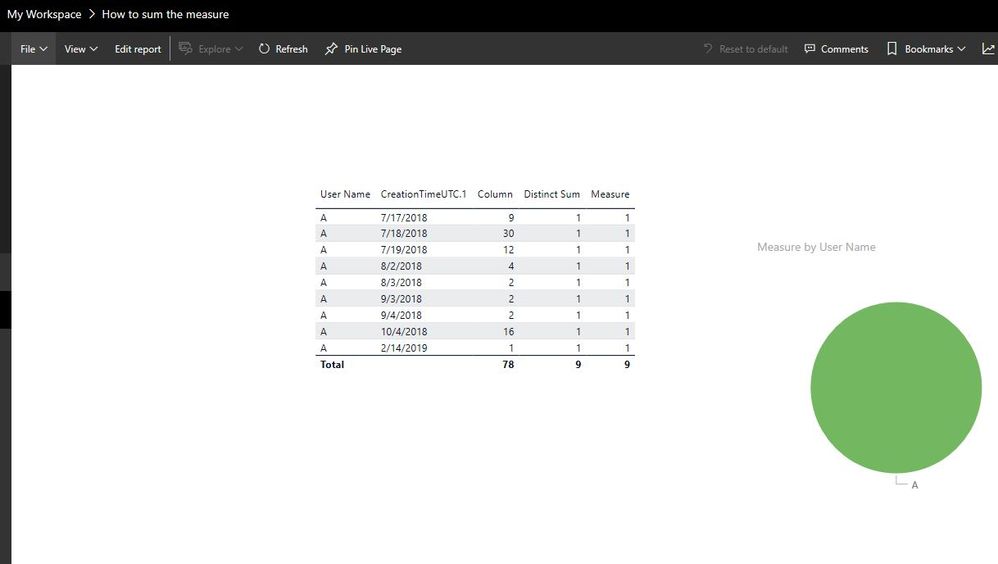
Just downloading reports, applying my theme and then republishing, Please note that if the report name in power bi service and power bi desktop are the same, and if is "Replace" the report.

Sometimes, when we download the report, the pbix file name maybe "name"+"(1)"

12.JPG


9.JPG


10.JPG

https://docs.microsoft.com/en-us/power-bi/desktop-report-themes


Best Regards,

Lin

Community Support Team _ Lin
If this post helps, then please consider Accept it as the solution to help the other members find it more quickly.
Anonymous
Not applicable

Thanks for the reply but this is with regard to the additional reports I've created in the service not the initial one which yes does give me the option to replace. The other reports don't give me the option to replace with a report of the same name and both publishes a new report and a new dataset.

Helpful resources

Announcements
April Power BI Update Carousel

Power BI Monthly Update - April 2026

Check out the April 2026 Power BI update to learn about new features.

New to Fabric survey Carousel

New to Fabric Survey

If you have recently started exploring Fabric, we'd love to hear how it's going. Your feedback can help with product improvements.

Power BI DataViz World Championships carousel

Power BI DataViz World Championships - June 2026

A new Power BI DataViz World Championship is coming this June! Don't miss out on submitting your entry.

FabCon and SQLCon Highlights Carousel

FabCon &SQLCon Highlights

Experience the highlights from FabCon & SQLCon, available live and on-demand starting April 14th.