This time we’re going bigger than ever. Fabric, Power BI, SQL, AI and more. We're covering it all. You won't want to miss it.
Learn moreLevel up your Power BI skills this month - build one visual each week and tell better stories with data! Get started
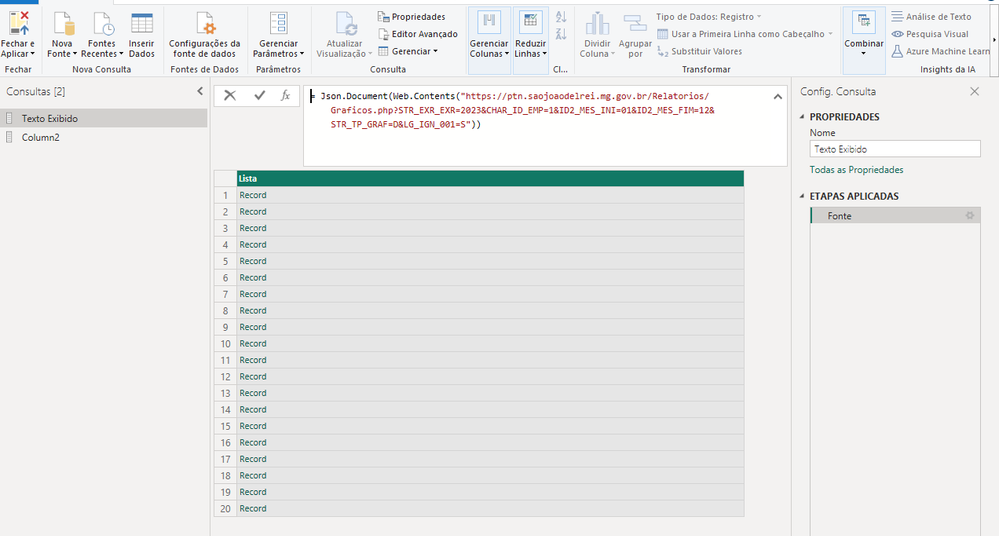
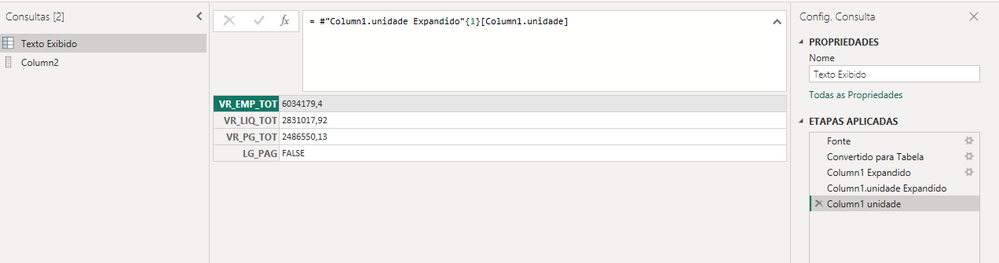
I have a Rest API that its structure is:
Solved! Go to Solution.
let
Source = Json.Document(Web.Contents("https://ptn.saojoaodelrei.mg.gov.br/Relatorios/Graficos.php?STR_EXR_EXR=2023&CHAR_ID_EMP=1&ID2_MES_INI=01&ID2_MES_FIM=12&STR_TP_GRAF=D&LG_IGN_001=S")),
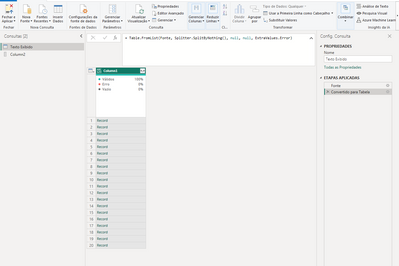
#"Converted to Table" = Table.FromList(Source, Splitter.SplitByNothing(), null, null, ExtraValues.Error),
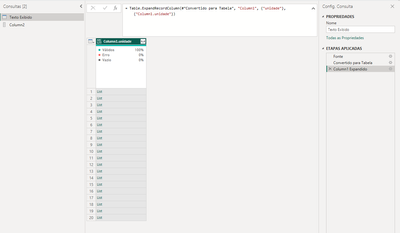
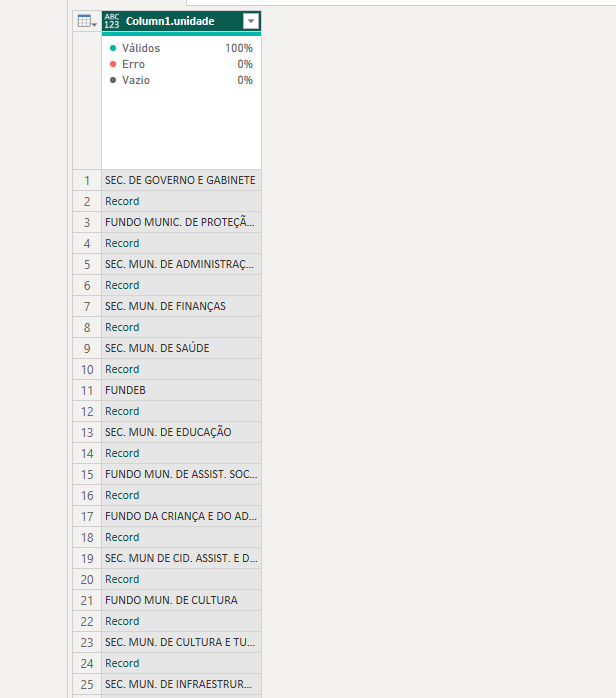
#"Expanded Column1" = Table.ExpandRecordColumn(#"Converted to Table", "Column1", {"unidade"}, {"unidade"}),
#"Added Custom" = Table.AddColumn(#"Expanded Column1", "Name", each [unidade]{0}),
#"Added Custom1" = Table.AddColumn(#"Added Custom", "Records", each [unidade]{1}),
#"Expanded Records" = Table.ExpandRecordColumn(#"Added Custom1", "Records", {"VR_EMP_TOT", "VR_LIQ_TOT", "VR_PG_TOT", "LG_PAG"}),
#"Removed Other Columns" = Table.SelectColumns(#"Expanded Records",{"Name", "VR_EMP_TOT", "VR_LIQ_TOT", "VR_PG_TOT", "LG_PAG"})
in
#"Removed Other Columns"
let
Source = Table.FromRows(Json.Document(Binary.Decompress(Binary.FromText("rZC9asMwFEZf5aLZCKlSLbmbGyvGEEuuf7LIwgSSQiFkKZ1Cpgx5sLxYrYQam4aUQO/0Xb5z73CsRRa5wCLoZz8kgBZ97T7Wq/WmRS9gR4WvKjXDkChIzVKV2kCf4tdMq1q1KJiw+8nmb5dlp/Kiq03tP4chZ5QxLEVwi1xkbz8kE4I8CYGJIJfhNw+KdOApo0Q+Y06j6/zmF2lXxKmH31fbz82kP4w2N+RD8LiseaMTA3mjs6u0ojS1Op/OR+8tUXNVxdADM6OrJs+SRw1ySqIQE/qXv7vcSBuXMsKh/Bdbl+QAkHPf", BinaryEncoding.Base64), Compression.Deflate)), let _t = ((type nullable text) meta [Serialized.Text = true]) in type table [Column1 = _t]),
res = Json.Document(Text.Combine(Source[Column1])),
#"Converted to Table" = Table.FromList(res, Splitter.SplitByNothing(), null, null, ExtraValues.Error),
#"Expanded Column1" = Table.ExpandRecordColumn(#"Converted to Table", "Column1", {"unidade"}, {"unidade"}),
#"Added Custom" = Table.AddColumn(#"Expanded Column1", "Name", each [unidade]{0}),
#"Added Custom1" = Table.AddColumn(#"Added Custom", "Records", each [unidade]{1}),
#"Expanded Records" = Table.ExpandRecordColumn(#"Added Custom1", "Records", {"VR_EMP_TOT", "VR_LIQ_TOT", "VR_PG_TOT", "LG_PAG"}),
#"Removed Other Columns" = Table.SelectColumns(#"Expanded Records",{"Name", "VR_EMP_TOT", "VR_LIQ_TOT", "VR_PG_TOT", "LG_PAG"})
in
#"Removed Other Columns"
How to use this code: Create a new Blank Query. Click on "Advanced Editor". Replace the code in the window with the code provided here. Click "Done".
Hey Ibendlin,
Thank you for your help. It worked but I have two questions
Your resolution isn't using the API right? Because it returned only a 2 lines table.
How could I transfer your resolution to work using this API (https://ptn.saojoaodelrei.mg.gov.br/Relatorios/Graficos.php?STR_EXR_EXR=2023&CHAR_ID_EMP=1&ID2_MES_I...)
I have tried a few things that I have seen online, but nothing worked. Sorry.
I'm studying M language Sintaxe but it would be fantastic if you could enlighten me. It's essential for the work I'm doing.
Thank you.
let
Source = Json.Document(Web.Contents("https://ptn.saojoaodelrei.mg.gov.br/Relatorios/Graficos.php?STR_EXR_EXR=2023&CHAR_ID_EMP=1&ID2_MES_INI=01&ID2_MES_FIM=12&STR_TP_GRAF=D&LG_IGN_001=S")),
#"Converted to Table" = Table.FromList(Source, Splitter.SplitByNothing(), null, null, ExtraValues.Error),
#"Expanded Column1" = Table.ExpandRecordColumn(#"Converted to Table", "Column1", {"unidade"}, {"unidade"}),
#"Added Custom" = Table.AddColumn(#"Expanded Column1", "Name", each [unidade]{0}),
#"Added Custom1" = Table.AddColumn(#"Added Custom", "Records", each [unidade]{1}),
#"Expanded Records" = Table.ExpandRecordColumn(#"Added Custom1", "Records", {"VR_EMP_TOT", "VR_LIQ_TOT", "VR_PG_TOT", "LG_PAG"}),
#"Removed Other Columns" = Table.SelectColumns(#"Expanded Records",{"Name", "VR_EMP_TOT", "VR_LIQ_TOT", "VR_PG_TOT", "LG_PAG"})
in
#"Removed Other Columns"
Thank you so much!! You're a lifesaver.
Check out the April 2026 Power BI update to learn about new features.
Sign up to receive a private message when registration opens and key events begin.
If you have recently started exploring Fabric, we'd love to hear how it's going. Your feedback can help with product improvements.
| User | Count |
|---|---|
| 3 | |
| 2 | |
| 2 | |
| 2 | |
| 2 |