Don't miss your chance to take exam DP-600 or DP-700 on us!
Request nowLearn from the best! Meet the four finalists headed to the FINALS of the Power BI Dataviz World Championships! Register now
I am fairly new to Power Query. I deleted a pivot table that was in the workbook and now when I "refresh all" I get the error message "Can't open PivotTable source file....". The pivot that was deleted is not in any of the queries and if I click "okay" the refresh proceeds correctly. But I want to get rid of the error. Any suggestions??
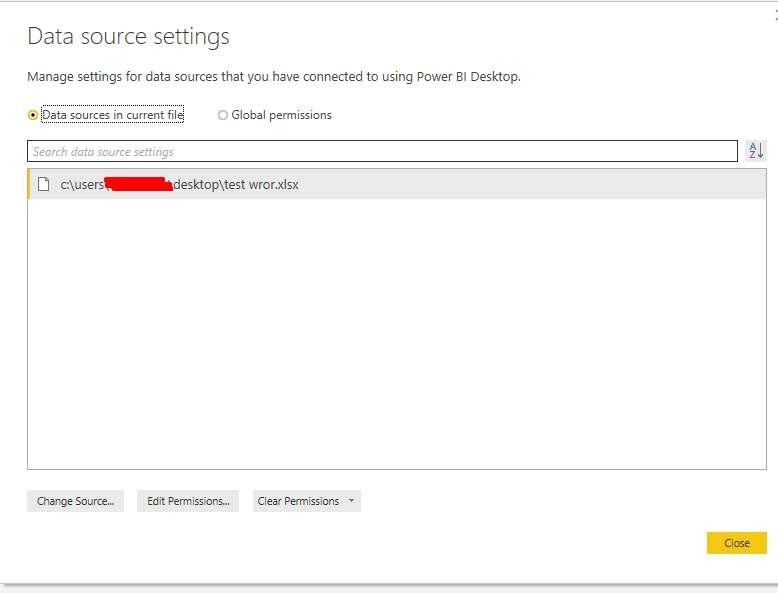
Is it still visible in your source settings pane?
Hi - Thank you for your response! No, it is not showing in data source settings. As I mentioned, I can click "okay" on the error and the file processes correctly. I've been googling solutions but nothing is working...
| User | Count |
|---|---|
| 11 | |
| 8 | |
| 7 | |
| 5 | |
| 5 |