Get certified for free when you join Fabric Data Days 2026 and dive into Fabric, Power BI, SQL, AI, and other essential data skills.
Join nowData Days is here! Join us now for 60+ days of learning, challenges, and connection. Learn more
I am fairly new to Power Query. I deleted a pivot table that was in the workbook and now when I "refresh all" I get the error message "Can't open PivotTable source file....". The pivot that was deleted is not in any of the queries and if I click "okay" the refresh proceeds correctly. But I want to get rid of the error. Any suggestions??
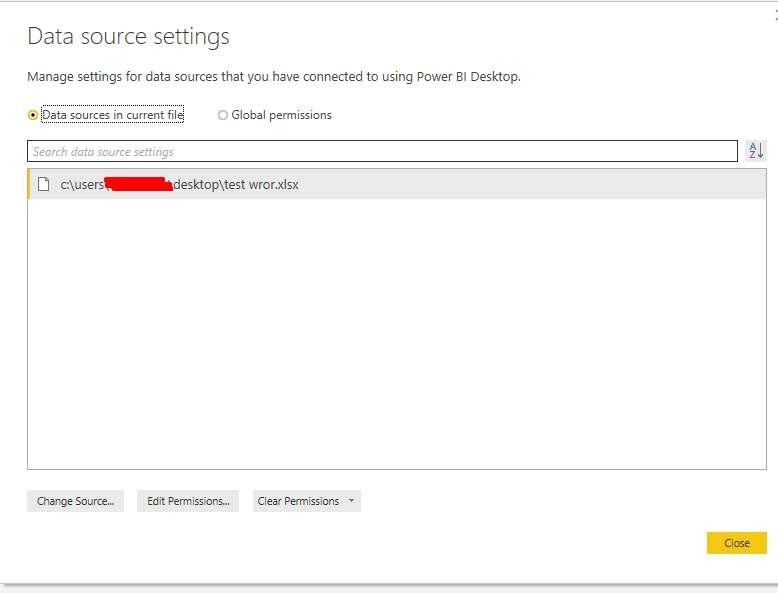
Is it still visible in your source settings pane?
Hi - Thank you for your response! No, it is not showing in data source settings. As I mentioned, I can click "okay" on the error and the file processes correctly. I've been googling solutions but nothing is working...
Don't miss out on Data Days, June 15 through August 7. Learn Fabric, Power BI, SQL, AI and more.
Check out the May 2026 Power BI update to learn about new features.
| User | Count |
|---|---|
| 4 | |
| 4 | |
| 2 | |
| 2 | |
| 1 |
| User | Count |
|---|---|
| 11 | |
| 11 | |
| 5 | |
| 4 | |
| 4 |