Team, I'm facing a weird issue. Just wanted to know if you have come across anytime before and need your help in fixing this issue.
I have a report which has only one page with one table visual perfectly fit without having horizontal or vertical scroll. All looks good on the Power BI Desktop. However, after I publish the same report to service, I'm starting to see both horizontal and vertical scroll in the table visual (not for the page).
Observations:
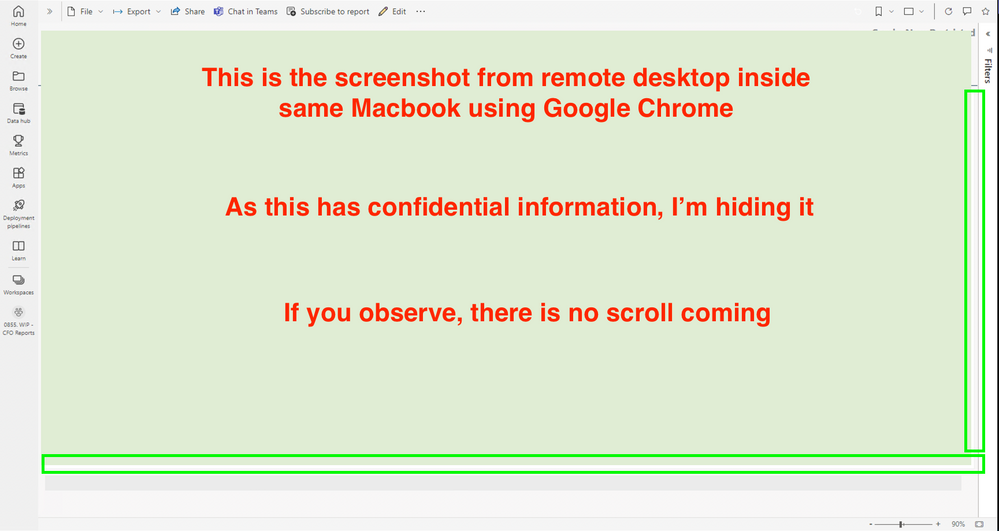
- I use a Macbook. As Power BI desktop doesn't support Mac, I installed PBI desktop app on the remote desktop to create reports. After publishing the report to Power BI Service, if I open the report in Macbook (outside remote desktop) using Google Chrome I'm seeing the scroll (both vertical and horizantal). But if I open the same report in the remote desktop using Google Chrome, I don't see any scroll.
- I also tried checking with Microsoft Edge browser, I don't see scroll in remote desktop but I see scroll (both vertical and horizantal) in Mac.
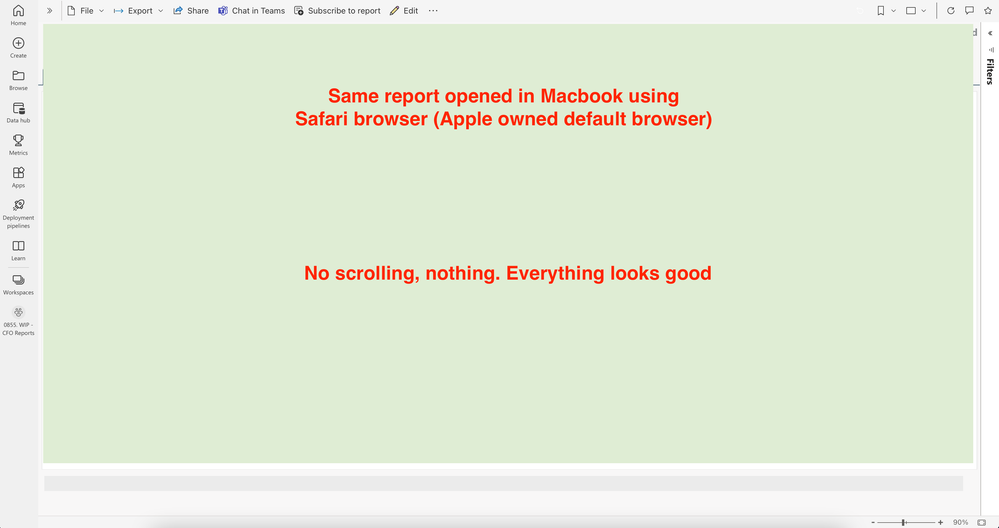
- If I open the same report using Safari browser, I don't see any scroll. Report is absolutely working well.
I tried checking the same with my colleagues and they are also facing the same issue when they open the same report.
I don't understand what exactly is going wrong. Is it something related to the browser or report or laptop? It is the same laptop and same resolution but I'm not sure.
As Google Chrome is one of the most widely used browser, I want to make sure this report works properly in Chrome.
Can someone please help me if you hear this or experience this issue previously. Awaiting your response!