This time we’re going bigger than ever. Fabric, Power BI, SQL, AI and more. We're covering it all. You won't want to miss it.
Learn moreDid you hear? There's a new SQL AI Developer certification (DP-800). Start preparing now and be one of the first to get certified. Register now
Hi all,
I am experiencing a new problem, maybe you know what i am doing wrong. 🙂
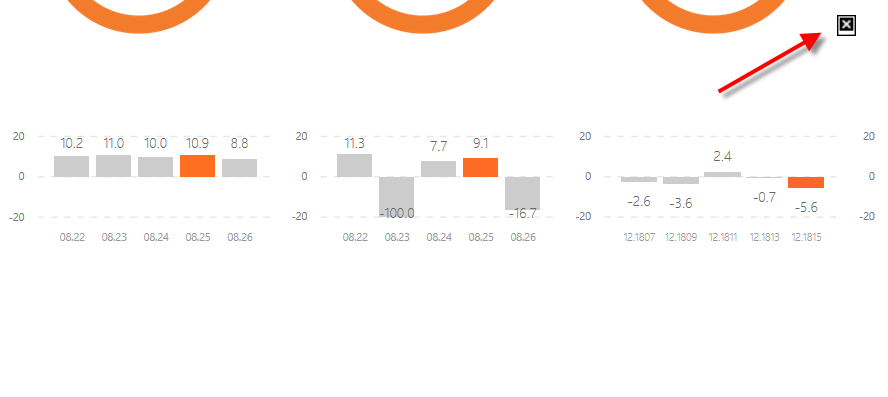
I have created a background image for PBI report as a SVG file. THe quality and size fit very well. When a report is published for the first time it works well. however, when i republish (replace the existing report) the svg background doesnt load anymore. I need to delete whole report and dataset from PBI service to be able to load it again. Do you know what this it about? i dont have the error when working with png or jpeg files as a background.
Thanks for posting your feedback 🙂
Solved! Go to Solution.
Hi @Boja,
On my test (Power BI desktop July 2018 + Chrome), the SVG image is displayed correctly on service even when I replaced the original one. In your scenario, please change a different web browser for a test. Besides, to check whether the problem is related to your Power BI service cluster, please download this test .pbix file, test on your side.
Best regards,
Yuliana Gu
Hi @Boja,
On my test (Power BI desktop July 2018 + Chrome), the SVG image is displayed correctly on service even when I replaced the original one. In your scenario, please change a different web browser for a test. Besides, to check whether the problem is related to your Power BI service cluster, please download this test .pbix file, test on your side.
Best regards,
Yuliana Gu
Thanks Yuliana,
I have updated my browser and Power BI. I tried on both your test file and my reports. Now they work just fine. Thank for looking into this.
Have a lovely weekend
![]()
Check out the April 2026 Power BI update to learn about new features.
Sign up to receive a private message when registration opens and key events begin.
If you have recently started exploring Fabric, we'd love to hear how it's going. Your feedback can help with product improvements.
| User | Count |
|---|---|
| 10 | |
| 8 | |
| 8 | |
| 8 | |
| 7 |
| User | Count |
|---|---|
| 49 | |
| 27 | |
| 24 | |
| 20 | |
| 20 |