cancel
Showing results for 
Search instead for 
Did you mean: 

The Power BI Data Visualization World Championships is back! Get ahead of the game and start preparing now! Learn more

Reply
Boja
Advocate II
Advocate II

SVG loading problem

Hi all,


I am experiencing a new problem, maybe you know what i am doing wrong. 🙂

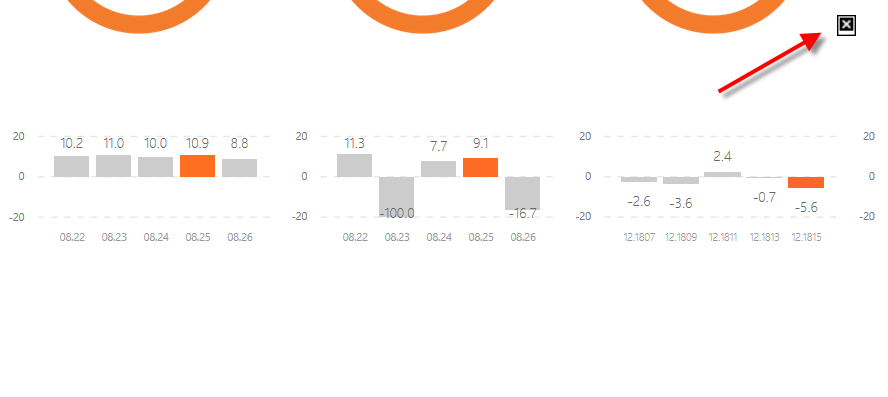
I have created a background image for PBI report as a SVG file. THe quality and size fit very well. When a report is published for the first time it works well. however, when i republish (replace the existing report) the svg background doesnt load anymore. I need to delete whole report and dataset from PBI service to be able to load it again. Do you know what this it about? i dont have the error when working with png or jpeg files as a background.


Thanks for posting your feedback 🙂


1.png

1 ACCEPTED SOLUTION
v-yulgu-msft
Microsoft Employee
Microsoft Employee

Hi @Boja,


On my test (Power BI desktop July 2018 + Chrome), the SVG image is displayed correctly on service even when I replaced the original one. In your scenario, please change a different web browser for a test. Besides, to check whether the problem is related to your Power BI service cluster, please download this test .pbix file, test on your side.


Best regards,

Yuliana Gu

Community Support Team _ Yuliana Gu
If this post helps, then please consider Accept it as the solution to help the other members find it more quickly.

View solution in original post

2 REPLIES 2
v-yulgu-msft
Microsoft Employee
Microsoft Employee

Hi @Boja,


On my test (Power BI desktop July 2018 + Chrome), the SVG image is displayed correctly on service even when I replaced the original one. In your scenario, please change a different web browser for a test. Besides, to check whether the problem is related to your Power BI service cluster, please download this test .pbix file, test on your side.


Best regards,

Yuliana Gu

Community Support Team _ Yuliana Gu
If this post helps, then please consider Accept it as the solution to help the other members find it more quickly.

@v-yulgu-msft

Thanks Yuliana,


I have updated my browser and Power BI. I tried on both your test file and my reports. Now they work just fine. Thank for looking into this.

Have a lovely weekend

Smiley Happy


Helpful resources

Announcements
Power BI DataViz World Championships

Power BI Dataviz World Championships

The Power BI Data Visualization World Championships is back! Get ahead of the game and start preparing now!

December 2025 Power BI Update Carousel

Power BI Monthly Update - December 2025

Check out the December 2025 Power BI Holiday Recap!

FabCon Atlanta 2026 carousel

FabCon Atlanta 2026

Join us at FabCon Atlanta, March 16-20, for the ultimate Fabric, Power BI, AI and SQL community-led event. Save $200 with code FABCOMM.