Get certified for free when you join Fabric Data Days 2026 and dive into Fabric, Power BI, SQL, AI, and other essential data skills.
Join nowJuly 28 - August 9 | Final Round of the Power BI Dataviz World Championships. This is your chance. Learn more
I have a report I am trying to refresh in Power BI Service and I am getting the following error: "The query result is too large. Consider removing unused columns, adding visual filters, or reducing the number of string type columns." We are using two direct queries in this report to pull data from our database in SQL Server. One query pulls about 300,000 rows and has 32 columns. The other query pulls about 240,000 rows and has 14 columns. Combined, the data we are bringing in is less than the limit of 1,000,000 rows, however, the refresh still fails every time. Does anybody know how to fix this error?
Solved! Go to Solution.
We finally got this resolved. To fix it, we created views of the SQL Server tables used in the report. The views restricted the number of rows and columns considerably. We then used these views as the datasources for the report and it refreshes online without any issues.
Hi @Anonymous ,
Power BI creates queries that are as efficient as possible. Under certain situations however, the generated query may not be efficient enough to avoid refresh that would fail.
You may combine these two queries in the SQL Server, and check if the final number of row exceeded the limit.
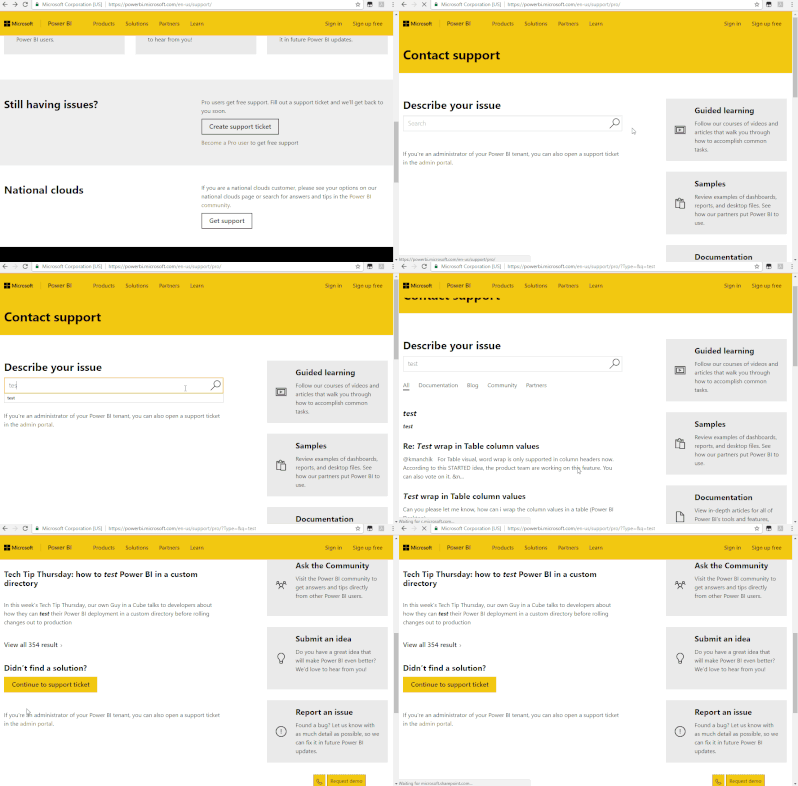
If it doesn't work, you could create a support ticket.
Join us in Barcelona for FabCon and SQLCon, the Fabric, Power BI, SQL, and AI community event. Save €200 with code FABCMTY200.
If you love stickers, then you will definitely want to check out our community sticker challenge, Barcelona edition!
Check out the July 2026 Power BI update to learn about new features.
| User | Count |
|---|---|
| 17 | |
| 8 | |
| 6 | |
| 6 | |
| 5 |