This time we’re going bigger than ever. Fabric, Power BI, SQL, AI and more. We're covering it all. You won't want to miss it.
Learn moreDid you hear? There's a new SQL AI Developer certification (DP-800). Start preparing now and be one of the first to get certified. Register now
Hi All,
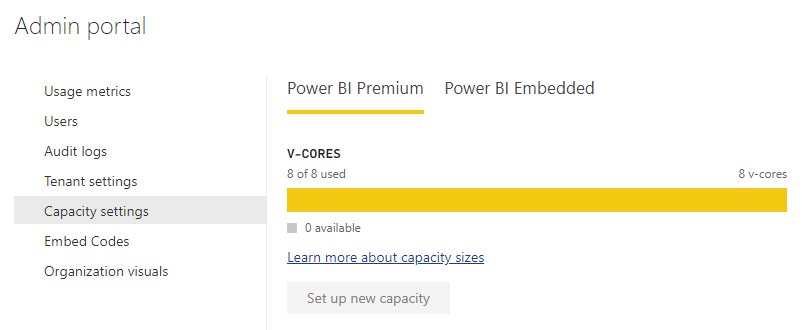
I've noticed today that I cannot assign Workspaces to the premium capacity even through I am a Capacity Admin. When I go to "Settings > Admin Portal", I don't see anything either.
I have asked our O365 Admin and he said everything seems fine and I should still be a Capacity Admin.
Is anyone else having issues ?
- Dan
Solved! Go to Solution.
This was a Power BI issue. The matter rectified itself after a couple of hours.
Hi @djnww,
I double check on my side and capacity setting still works. In my opinion, I'd like to suggest you double check your permissions to ensure if your account has enough permission.
In addition, you can also take a look at following links about power bi premium capacity:
Manage capacities within Power BI Premium and Power BI Embedded
Managing Power BI Premium capacity
What is Power BI administration?
Regards,
Xiaoxin Sheng
This was a Power BI issue. The matter rectified itself after a couple of hours.
Check out the April 2026 Power BI update to learn about new features.
Sign up to receive a private message when registration opens and key events begin.
If you have recently started exploring Fabric, we'd love to hear how it's going. Your feedback can help with product improvements.
| User | Count |
|---|---|
| 11 | |
| 9 | |
| 8 | |
| 8 | |
| 7 |
| User | Count |
|---|---|
| 50 | |
| 27 | |
| 23 | |
| 23 | |
| 22 |