cancel
Showing results for 
Search instead for 
Did you mean: 

Learn from the best! Meet the four finalists headed to the FINALS of the Power BI Dataviz World Championships! Register now

Reply
pstanek
Post Patron
Post Patron

Error when report is published

Hi I created visuals in power bi desktop, then I published it.


It works  in desktop , but  published report in services  created error

MessageThe credentials provided for the GoogleBigQuery source are invalid. (Source at GoogleBigQuery.)


I tried to fix it, but I did not find right place where to do it in services

2 REPLIES 2
v-danhe-msft
Microsoft Employee
Microsoft Employee

Hi @pstanek,

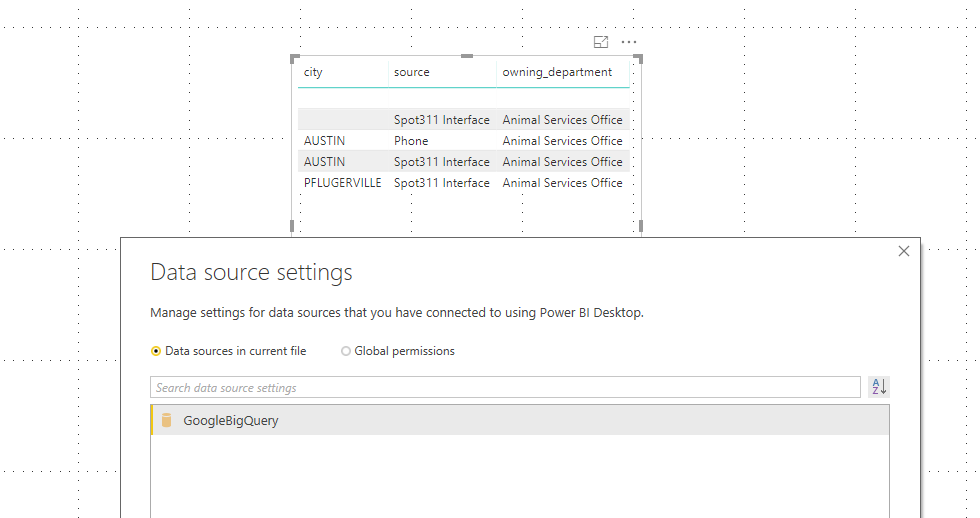
Based on my test, it could work on my side:

Desktop:

1.PNG

Service:

2.PNG

What kind of connection mode you are using? Could you please check the version of the Power BI Desktop(2.62.5222.761 64-bit (September 2018))? And check if you are using same authentication type and account in Power BI Service and Power BI Desktop. 


Regards,

Daniel He

Community Support Team _ Daniel He
If this post helps, then please consider Accept it as the solution to help the other members find it more quickly.

 I know . It worked several weeks ago.  I use direct query to Big Query. I would to to check my access code to Big Query in Service, but I don t know if it is possible.

Helpful resources

Announcements
Power BI DataViz World Championships carousel

Power BI DataViz World Championships - June 2026

A new Power BI DataViz World Championship is coming this June! Don't miss out on submitting your entry.

Join our Fabric User Panel

Join our Fabric User Panel

Share feedback directly with Fabric product managers, participate in targeted research studies and influence the Fabric roadmap.

March Power BI Update Carousel

Power BI Community Update - March 2026

Check out the March 2026 Power BI update to learn about new features.

Top Kudoed Authors