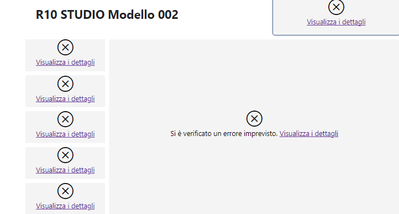
The report I'm trying to embed is in one workspace while the dataset is in another workspace
to create the embedtoken I use this piece of code :
on the v2WsID there are the two workspace ID
var tokenRequest = new GenerateTokenRequestV2(reports: new List<GenerateTokenRequestV2Report>() { new GenerateTokenRequestV2Report(report.Item1) },
datasets: v2DatasetID.Select(datasetId => new GenerateTokenRequestV2Dataset(datasetId.ToString())).ToList(),
identities: v2rls,
targetWorkspaces: v2WsID
);

// Generate Embed token
var getToken = client.EmbedToken.GenerateToken(tokenRequest);
My config client side is :
var config = {
                    type: pbiType,
                    tokenType: pbiModels.TokenType.Embed,
                    //theme: { themeJson: getCurrentTheme() },
                    accessToken: options.TOKEN,
                    datasetBinding: {
                        datasetId: options.DATASETID,
                    },
                    embedUrl: options.EMBEDURL,
                    id: options.IDREPORT,
                    layoutType: models.LayoutType.Custom,
                    customLayout: {
                        displayOption: models.DisplayOption.FitToPage
                    },
                    permissions: pbiModels.Permissions.All,
                    viewMode: pbiModels.ViewMode.View,
                    settings: {
                        panes: {
                            filters: {
                                visible: false
                            },
                            pageNavigation: {
                                visible: false
                            }
                        }
                    },
                };
Embed url generate is : https://app.powerbi.com/reportEmbed?reportId=9791f758-966c-4910-b394-3504eb9d9b9f&groupId=911bc871-5...