cancel
Showing results for 
Search instead for 
Did you mean: 

Try your skills in the Power BI Dataviz World Championship! Round one ends June 26. Join now

Reply
omeallynile
Frequent Visitor

Getting version history from SharePoint document library

Hi all, 


I posted a similar issue a whileback but thought I'd try again and phrase myself a little differently. 


I want to use previous versions of a file I have in Sharepoint. 


The way I am currently trying uses the REST API to return a list of versions and their URL, which links directly to the content. The Url looks like this:

mysite.sharepoint.com/_vti_history/[version]/[path]


This URL does exactly what I need, but when I try to load it with Web.Contents(), it amends the url to something that doesn't work: 

mysite.sharepoint.com/_api/web/GetFileByServerRelativeUrl('_vti_history/[version]/[path]')/$value


I am aware that for regular files this would be fine. For previous versions, it isn't. 


Does anyone know how I can either tell PowerBi to *not* change my Url, or how else I can get previous versions without using a custom connector? 

4 REPLIES 4
v-diye-msft
Community Support
Community Support

Hi @omeallynile 

You can try to use web connector with 'relativepath' option:

let
    Source = Web.Contents("https://tenant.sharepoint.com", [Headers=[#"key"=mykey], RelativePath="/_api/GetFileByServerRelativeUrl('[path]')/$value"])
in
    Source


Community Support Team _ Dina Ye
If this post helps, then please consider Accept it as the solution to help the other members find it more
quickly.

Hi @v-diye-msft , 


Thanks for responding. As mentioned in OP, this does not work when calling from version history. It only works for the current version of a file. Do you have any other ideas? 

I know this is an old topic, but after several frustrating hours looking for help online and finding only one or two threads with no solutuions, I buckled down and came up with a solution to this.


You can use the M function below to pull a list of all versions of a file in a SharePoint library with an associated URL that will actually work with Web.Contents.


Usage (if you named the function Versions):

Versions("https://<tenantname>.sharepoint.com", "/<sitename>", "/<path>/<filename>")


Function:

(SharePointTenant as text, SharePointSite as text, FilePath as text) as table =>

let
Base = Text.Combine({SharePointTenant,"/sites",SharePointSite,"/_api/Web/GetFileByServerRelativePath(decodedurl='/sites", SharePointSite, FilePath, "')/Versions"}),
Source = Xml.Tables(Web.Contents(Base)){0}[entry],
Cleaned = Table.RemoveColumns(Source,{"category", "link", "title", "updated", "author"}),
Built = Table.TransformColumns(Cleaned, {{"content", (x) => let
r = Record.FieldValues(Record.FieldValues(Record.FieldValues(x{0}){0}{0}){0}{0}){0}{0},
ret = [
Created = DateTime.From(r[Created]{0}[#"Element:Text"]),
Url = Text.Combine({Base, "(", r[ID]{0}[#"Element:Text"], ")/$value"}),
VersionLabel = r[VersionLabel],
VersionID = r[ID]{0}[#"Element:Text"]
]
in
ret
}}),
Expanded = Table.ExpandRecordColumn(Built, "content", {"Created", "Url", "VersionLabel", "VersionID"}, {"Created", "URL", "VersionIndex", "VersionID"}),
Extracted = Table.RenameColumns(Table.TransformColumns(Expanded, {{"id", each Text.End(_, 36), type text}}), {{"id", "GUID"}}),
Typed = Table.TransformColumnTypes(Extracted,{{"GUID", type text}, {"URL", type text}, {"VersionIndex", Int64.Type}, {"VersionID", type text}, {"Created", type datetime}}),
Organized = Table.ReorderColumns(Typed,{"VersionIndex", "Created", "GUID", "VersionID", "URL"})
in
Organized


Hi @omeallynile ,


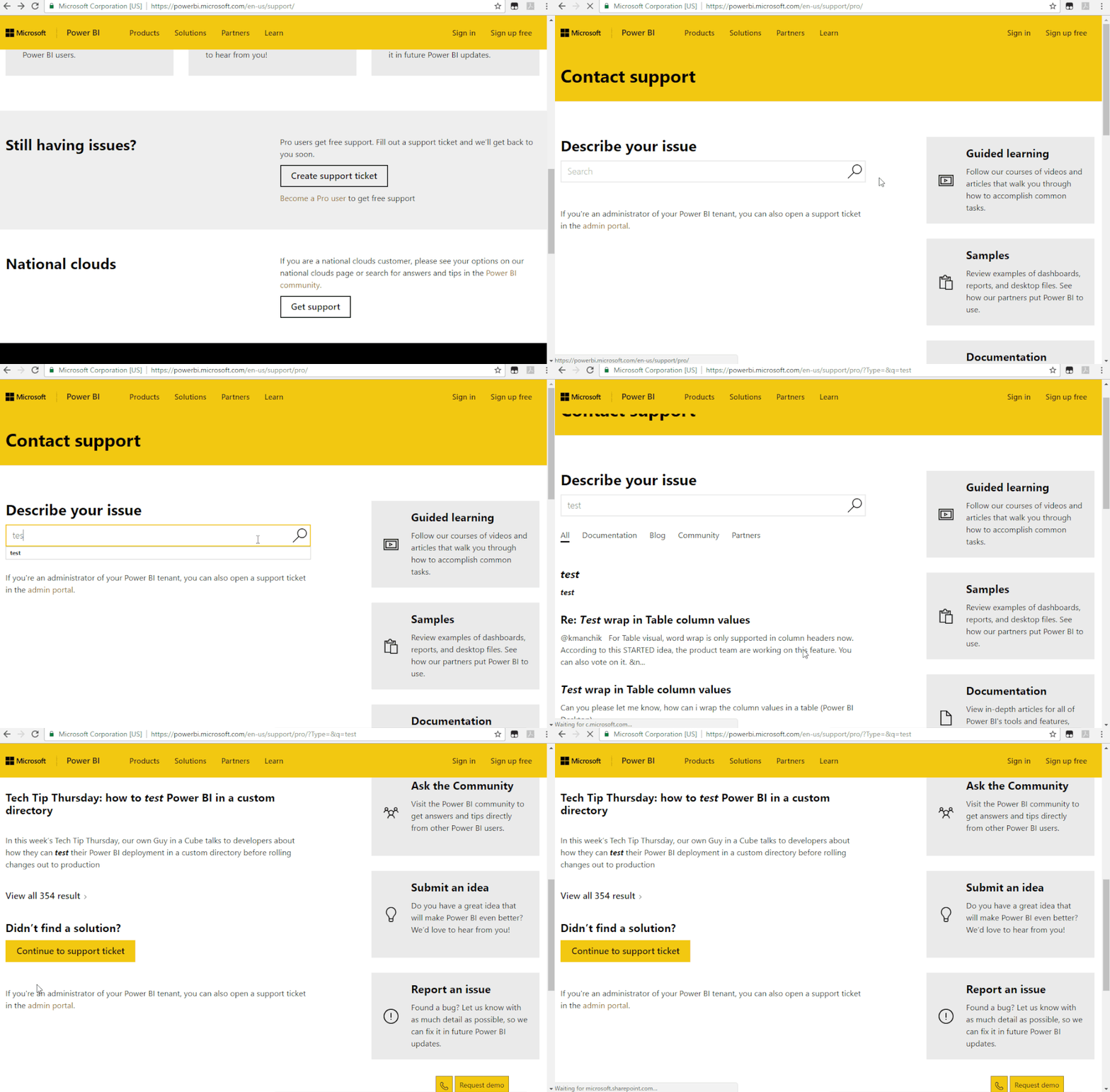
Sorry I won't know, please kindlty raise your problem to support team for more advice:

https://powerbi.microsoft.com/en-us/support/


Support Ticket.gif

Community Support Team _ Dina Ye
If this post helps, then please consider Accept it as the solution to help the other members find it more
quickly.

Helpful resources

Announcements
Fabric Data Days is here Carousel

Fabric Data Days 2026

Don't miss out on Data Days, June 15 through August 7. Learn Fabric, Power BI, SQL, AI and more.

May Power BI Update Carousel

Power BI Monthly Update - May 2026

Check out the May 2026 Power BI update to learn about new features.

Power BI DataViz World Championships carousel

Power BI DataViz World Championships - June 2026

A new Power BI DataViz World Championship is coming this June! Don't miss out on submitting your entry.