Don't miss your chance to take the Fabric Data Engineer (DP-700) exam on us!
Learn moreWe've captured the moments from FabCon & SQLCon that everyone is talking about, and we are bringing them to the community, live and on-demand. Starts on April 14th. Register now
Hi all,
I posted a similar issue a whileback but thought I'd try again and phrase myself a little differently.
I want to use previous versions of a file I have in Sharepoint.
The way I am currently trying uses the REST API to return a list of versions and their URL, which links directly to the content. The Url looks like this:
mysite.sharepoint.com/_vti_history/[version]/[path]
This URL does exactly what I need, but when I try to load it with Web.Contents(), it amends the url to something that doesn't work:
mysite.sharepoint.com/_api/web/GetFileByServerRelativeUrl('_vti_history/[version]/[path]')/$value
I am aware that for regular files this would be fine. For previous versions, it isn't.
Does anyone know how I can either tell PowerBi to *not* change my Url, or how else I can get previous versions without using a custom connector?
Hi @omeallynile
You can try to use web connector with 'relativepath' option:
let
Source = Web.Contents("https://tenant.sharepoint.com", [Headers=[#"key"=mykey], RelativePath="/_api/GetFileByServerRelativeUrl('[path]')/$value"])
in
Source
Hi @v-diye-msft ,
Thanks for responding. As mentioned in OP, this does not work when calling from version history. It only works for the current version of a file. Do you have any other ideas?
I know this is an old topic, but after several frustrating hours looking for help online and finding only one or two threads with no solutuions, I buckled down and came up with a solution to this.
You can use the M function below to pull a list of all versions of a file in a SharePoint library with an associated URL that will actually work with Web.Contents.
Usage (if you named the function Versions):
Versions("https://<tenantname>.sharepoint.com", "/<sitename>", "/<path>/<filename>")
Function:
(SharePointTenant as text, SharePointSite as text, FilePath as text) as table =>
let
Base = Text.Combine({SharePointTenant,"/sites",SharePointSite,"/_api/Web/GetFileByServerRelativePath(decodedurl='/sites", SharePointSite, FilePath, "')/Versions"}),
Source = Xml.Tables(Web.Contents(Base)){0}[entry],
Cleaned = Table.RemoveColumns(Source,{"category", "link", "title", "updated", "author"}),
Built = Table.TransformColumns(Cleaned, {{"content", (x) => let
r = Record.FieldValues(Record.FieldValues(Record.FieldValues(x{0}){0}{0}){0}{0}){0}{0},
ret = [
Created = DateTime.From(r[Created]{0}[#"Element:Text"]),
Url = Text.Combine({Base, "(", r[ID]{0}[#"Element:Text"], ")/$value"}),
VersionLabel = r[VersionLabel],
VersionID = r[ID]{0}[#"Element:Text"]
]
in
ret
}}),
Expanded = Table.ExpandRecordColumn(Built, "content", {"Created", "Url", "VersionLabel", "VersionID"}, {"Created", "URL", "VersionIndex", "VersionID"}),
Extracted = Table.RenameColumns(Table.TransformColumns(Expanded, {{"id", each Text.End(_, 36), type text}}), {{"id", "GUID"}}),
Typed = Table.TransformColumnTypes(Extracted,{{"GUID", type text}, {"URL", type text}, {"VersionIndex", Int64.Type}, {"VersionID", type text}, {"Created", type datetime}}),
Organized = Table.ReorderColumns(Typed,{"VersionIndex", "Created", "GUID", "VersionID", "URL"})
in
Organized
Hi @omeallynile ,
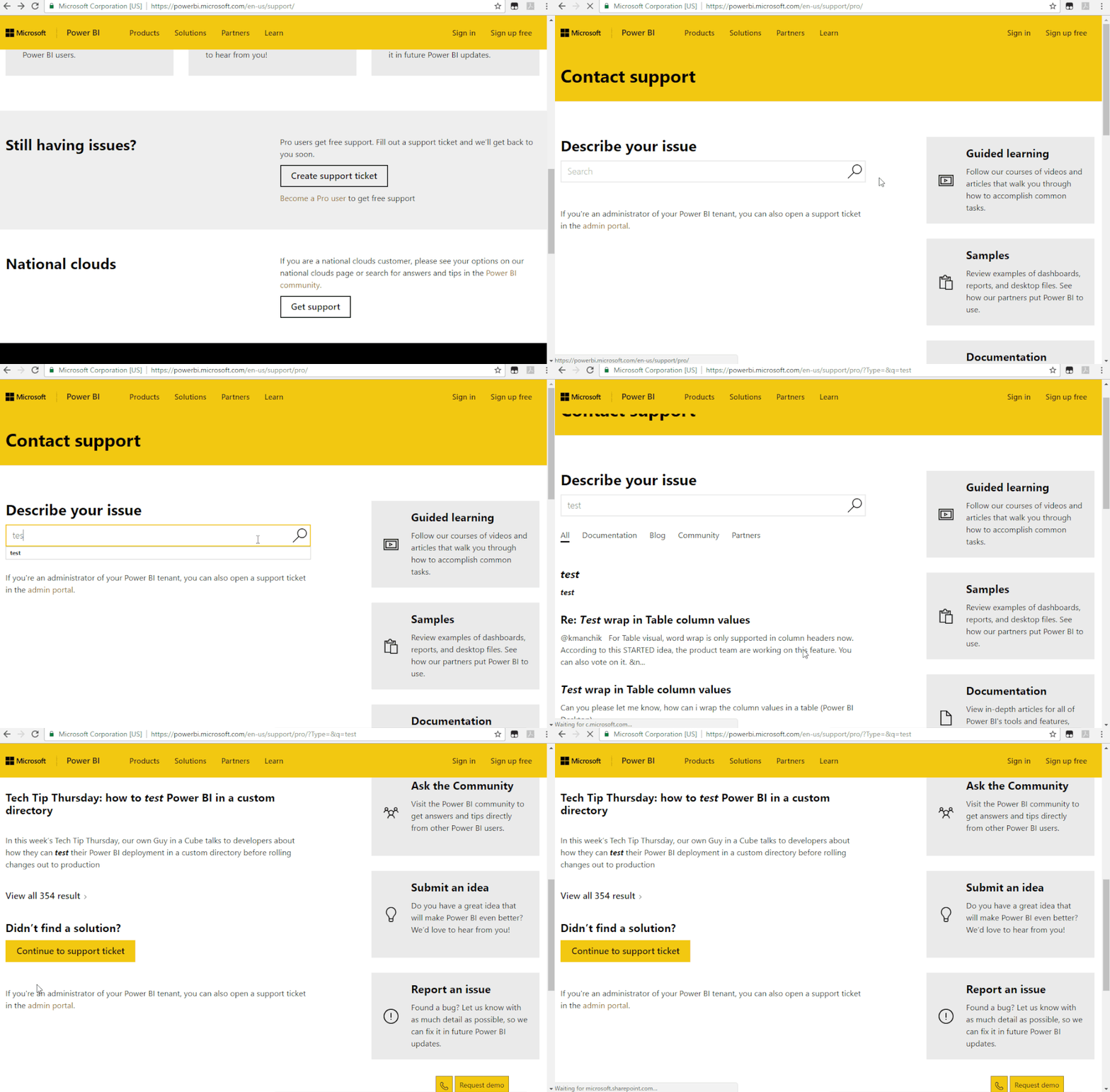
Sorry I won't know, please kindlty raise your problem to support team for more advice:
https://powerbi.microsoft.com/en-us/support/
If you have recently started exploring Fabric, we'd love to hear how it's going. Your feedback can help with product improvements.
A new Power BI DataViz World Championship is coming this June! Don't miss out on submitting your entry.
Share feedback directly with Fabric product managers, participate in targeted research studies and influence the Fabric roadmap.
| User | Count |
|---|---|
| 53 | |
| 37 | |
| 35 | |
| 19 | |
| 17 |
| User | Count |
|---|---|
| 74 | |
| 72 | |
| 39 | |
| 35 | |
| 23 |