cancel
Showing results for 
Search instead for 
Did you mean: 

The Power BI Data Visualization World Championships is back! Get ahead of the game and start preparing now! Learn more

Reply
JasperBuutfeld
Regular Visitor

Accessing Cloud database through Odata - access forbidden

I am trying to connect to a remote Mendix database which uses Odata. This worked fine for the test version of the database, however, in the production version of the database, additional credentials and an SSL certificate are required. 


The steps I have taken;

1. Open PBI desktop

2. Get Data > Odata Feed

3. Enter URL

4. Enter Credentials Basic

Result = "Acces to resource is forbidden" Error 403


I strongly suspect this error is caused by the (missing) SSL certificate. When I try to acess the Mendix database through an URL on say IE or Chrome I also get the 403 error. When I add the SSL certificate in the Security settings the URL can be reached and I can access the database through the credentials. 


How can I add SSL certificates to PowerBI or tell powerbi to use these certificates? Or is there something I am missing. 


4 REPLIES 4
Anonymous
Not applicable

Hi @JasperBuutfeld,


Which data source did you connect to use OData, it's on-premise or online data source?

In addition, please double check if the credential used in desktop have enough permission to access data source.


Regards,

Xiaoxin Sheng

It is a cloud based Mendix Database.


The credentials are solid. However, as said, it uses a double layer of protection, a SSL certificate to be able to access the URL and credentials to be able to log onto the database. 

Anonymous
Not applicable

HI @JasperBuutfeld,


>>However, as said, it uses a double layer of protection, a SSL certificate to be able to access the URL and credentials to be able to log onto the database. 

I think your issue may related to this, maybe double security check has blocked the request of power bi.
Some of these type data sources has their connectors to work through their particular security check.


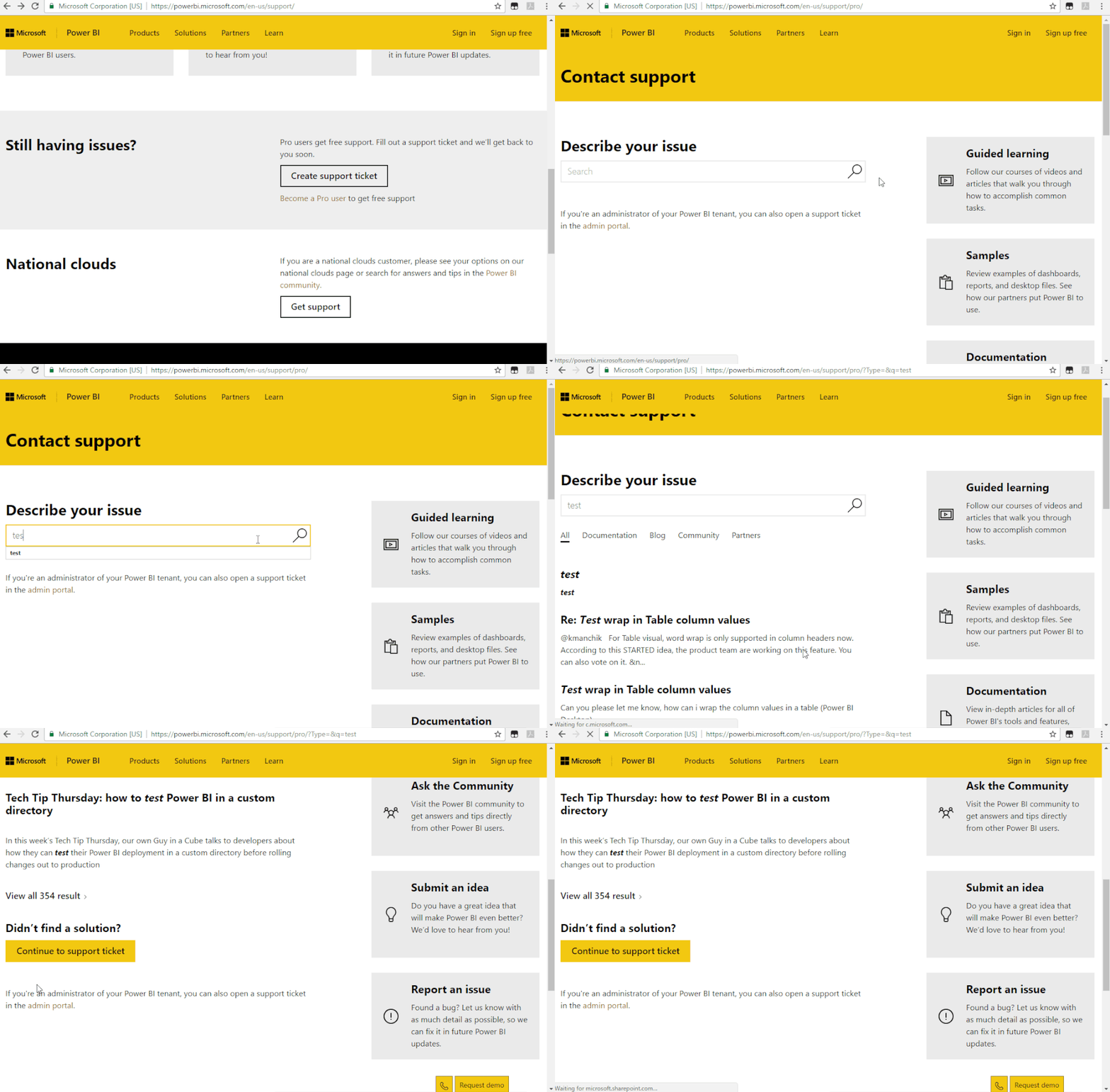
I'd like to suggest you to contact to mendix support to consider about this requirement or submit a ticket contact to power bi team for further support.

Submit a support ticketSubmit a support ticket


Regards,

Xiaoxin Sheng

I think the solution is for the connector to accept the installed certificates on the computer (but it doesn't). I'll raise an issue at PBI support to see if they have this knowledge. 


Thank you for the time.

Helpful resources

Announcements
Power BI DataViz World Championships

Power BI Dataviz World Championships

The Power BI Data Visualization World Championships is back! Get ahead of the game and start preparing now!

December 2025 Power BI Update Carousel

Power BI Monthly Update - December 2025

Check out the December 2025 Power BI Holiday Recap!

FabCon Atlanta 2026 carousel

FabCon Atlanta 2026

Join us at FabCon Atlanta, March 16-20, for the ultimate Fabric, Power BI, AI and SQL community-led event. Save $200 with code FABCOMM.