cancel
Showing results for 
Search instead for 
Did you mean: 

Learn from the best! Meet the four finalists headed to the FINALS of the Power BI Dataviz World Championships! Register now

Reply
YYZENTHAL
Helper I
Helper I

Service Forgets Filters

I posted a bug last month related to filters not saving my configurations.  It would  also not let me save from the edit screen on Service.  The saveing part has not occurred since then.


The Filter problem came back immediately.  Service is not remembering my filter selections.  Which is making some of my visualizations worthless.  Any ideas?


EX: Visualization Filter - Age: 10-20, 21-30, 31-40.  I select 21-30 as my filter and save the changes.  Click refresh, and it forgets that i wanted to display only 21-30. 

2 REPLIES 2
venal
Memorable Member
Memorable Member

@YYZENTHAL 

I have tried to re-pro the issue from my end.

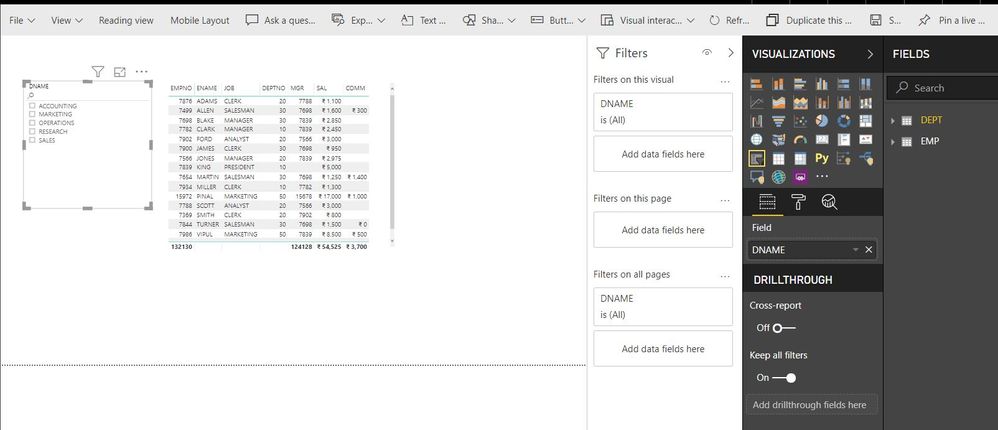
1. I have not applied any value in the slicer.

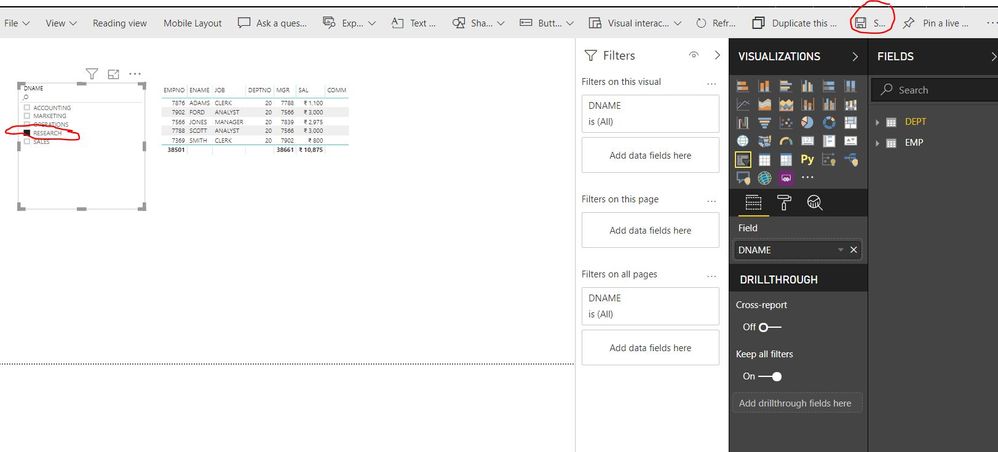
2. Edit Report >> Slicer >> "Sales" >> Save >> Click on " Reading View".

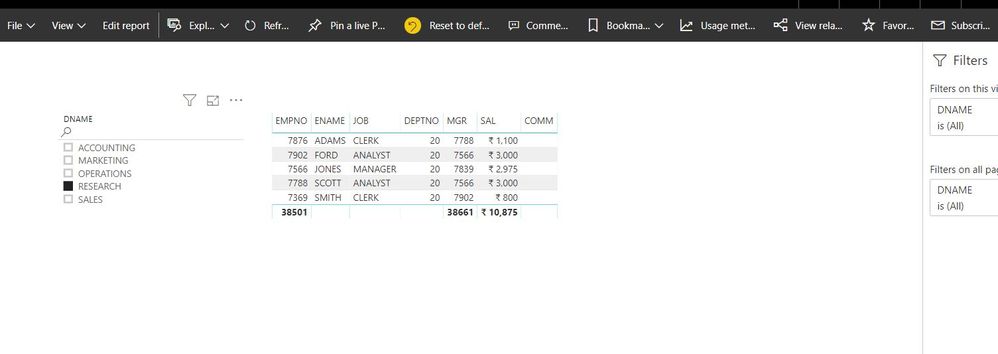
3. Tried to refresh the report and the slicer slection got missed sometimes, but sometimes it is working.

4. Even sometimes it is showing older slicer selections instead of latest slicer selections.


I would like to suggest you to create a support ticket to investigate the issue.

Screen-1Screen-1Screen-2Screen-2Screen-3Screen-3Screen-4Screen-4

If this post helps, then please consider Accept it as the solution to help the other members find it more
If this post was helpful may I ask you to mark it as solution and click on thumb symbol?


Note:- Please share the same community link in the support ticket for reference and share the Support ticket number for reference.


The Filters that are being forgotten are in the Filter Pane.  They are visual specific for only a single page.  I need the filters to be permanent for the reader.

Helpful resources

Announcements
Power BI DataViz World Championships carousel

Power BI DataViz World Championships - June 2026

A new Power BI DataViz World Championship is coming this June! Don't miss out on submitting your entry.

Join our Fabric User Panel

Join our Fabric User Panel

Share feedback directly with Fabric product managers, participate in targeted research studies and influence the Fabric roadmap.

March Power BI Update Carousel

Power BI Community Update - March 2026

Check out the March 2026 Power BI update to learn about new features.

Top Kudoed Authors