This time we’re going bigger than ever. Fabric, Power BI, SQL, AI and more. We're covering it all. You won't want to miss it.
Learn moreLevel up your Power BI skills this month - build one visual each week and tell better stories with data! Get started
I have created a working report in Power BI Desktop and I am trying to publish it to Power BI Services. Within custom R visualizations I have made, I have used reticulate and I am having trouble accessing python on Power BI Services. For my visualizations, I receive the following error:
Error in initialize_python(required_module, use_environment) : Installation of Python not found, Python bindings not loaded.
I have also tried using the conda environment 'r-reticulate' and received the following error then:
Error: Unable to find conda binary. Is Anaconda installed?
I am confused why reticulate is not successfully binding to python since reticulate appears to be a supported package in Power BI. Is there anyway I can successfully bind my R code to python so that I can use reticulate in Power BI Services?
Solved! Go to Solution.
For anyone wondering I was not able to find a way to access Python through reticulate on Power BI Services. Instead I rewrote all my Python code in R when I had everything that I wanted finalized.
Hi @Anonymous ,
Please check whether the path local installation of R is C:\Program Files\R\R-3.5.3. ( Options and settings > Options > R Scripting.)
And you also check the limitations of R through this article.
Please refer the following two post, hope them help.
https://community.powerbi.com/t5/Desktop/R-Visual-Rcpp-package-error/td-p/471272
https://community.powerbi.com/t5/Desktop/Error-when-connecting-python-to-PBI/td-p/593716
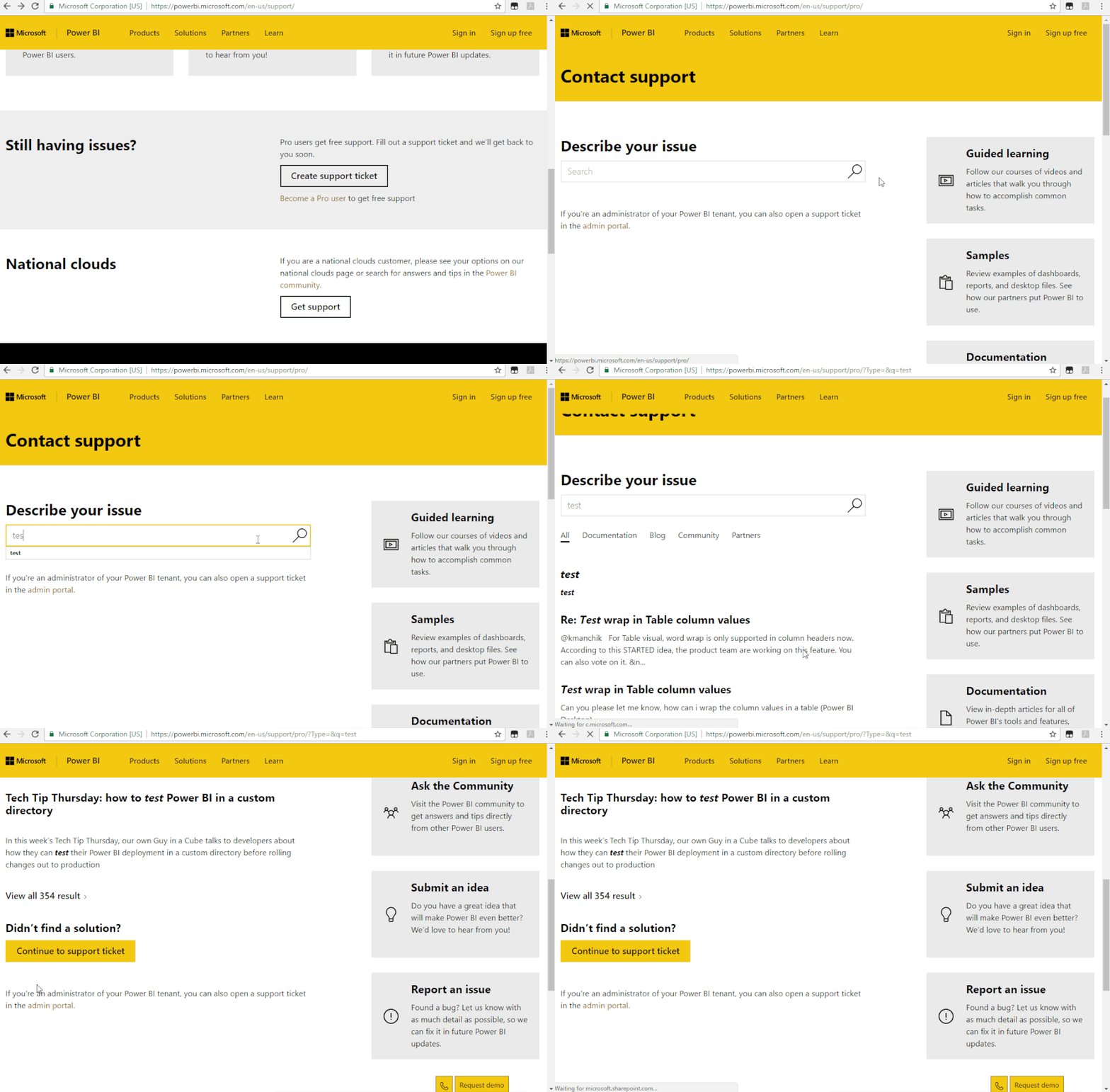
If it doesn’t meet your requirement, we suggest you to open a ticket here for help: https://powerbi.microsoft.com/en-us/support/
Let engineers solve this issue from your perspective.
Best regards,
Community Support Team _ zhenbw
If this post helps, then please consider Accept it as the solution to help the other members find it more quickly.
For anyone wondering I was not able to find a way to access Python through reticulate on Power BI Services. Instead I rewrote all my Python code in R when I had everything that I wanted finalized.
Check out the April 2026 Power BI update to learn about new features.
Sign up to receive a private message when registration opens and key events begin.
If you have recently started exploring Fabric, we'd love to hear how it's going. Your feedback can help with product improvements.
| User | Count |
|---|---|
| 11 | |
| 9 | |
| 9 | |
| 7 | |
| 6 |
| User | Count |
|---|---|
| 42 | |
| 27 | |
| 25 | |
| 22 | |
| 22 |