cancel
Showing results for 
Search instead for 
Did you mean: 

We've captured the moments from FabCon & SQLCon that everyone is talking about, and we are bringing them to the community, live and on-demand. Starts on April 14th. Register now

Reply
carH
Helper I
Helper I

Refresh Failure - Invalid Connection Credentials

Two of my larger datasets are all of a sudden failing to refresh via the automatic refresh schedule on the service. The top line of the email failure message states "Invalid Connection Credentials" however, the detail of the email message states "internal service error/transient issue". Where should I start to diagnois this problem? When I originally published this data set and scheduled the refresh, I was not having this issue. Thank you!


Invalid connection credentials.

Refresh failed:
xxxxxxxxxxx has failed to refresh.
Failure details: The last refresh attempt failed because of an internal service error. This is usually a transient issue. If you try again later and still see this message, contact support.

Next refresh for xxxxxxxxxxxxxxx is scheduled for August 26, 2020 11:00 UTC.


2 REPLIES 2
V-lianl-msft
Community Support
Community Support

Hi @carH ,


If the issue persists,could you share more details something like dataset and connection mode?

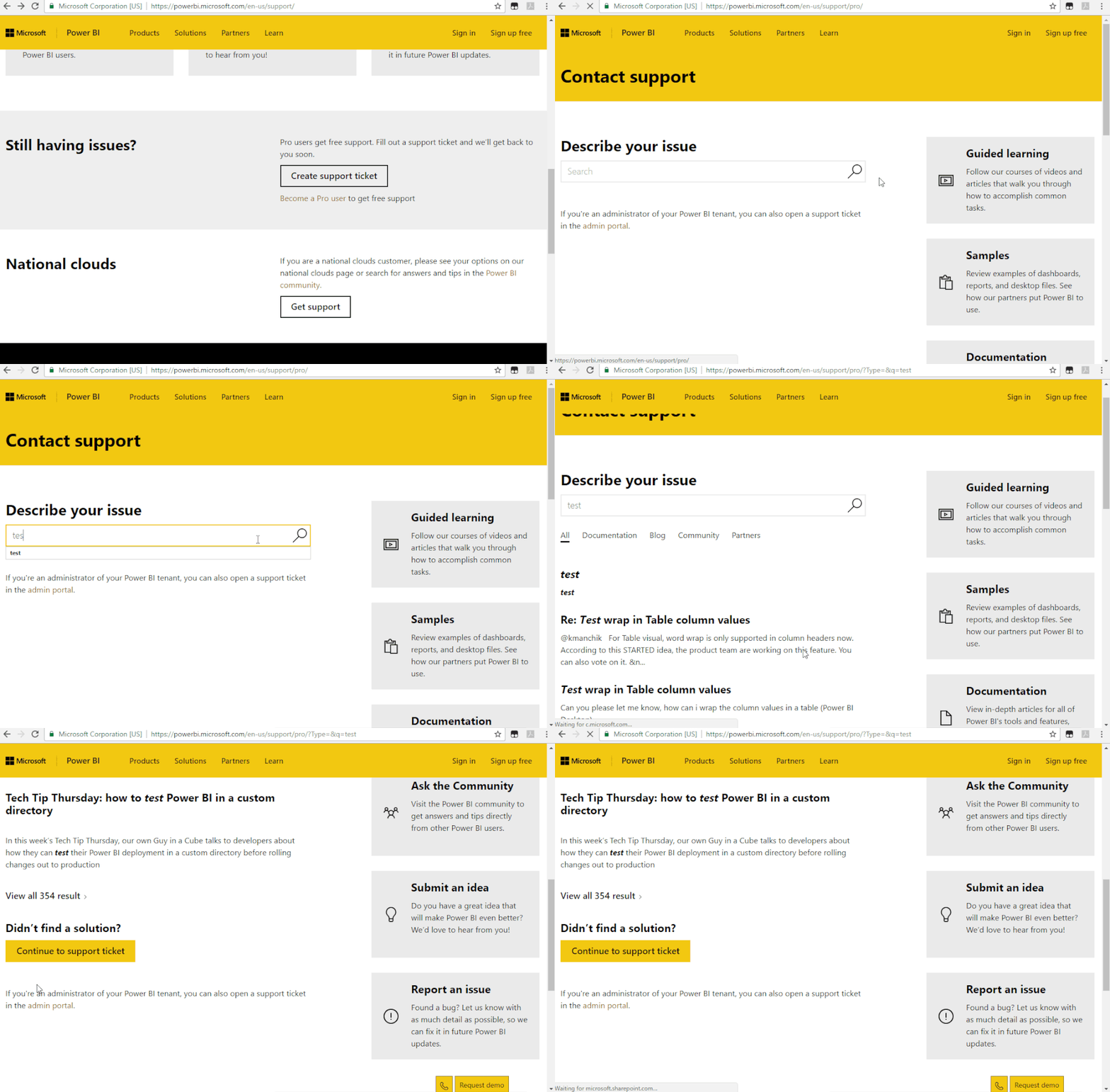
If the issue is urgent, you can also create a support ticket for further help.If you have a Pro account it is free. 

Support_Ticket.gif

You can update the solution here after the problem has been resolved so that others having similar concern can find the answer more easily.


Best Regards,
Liang
If this post helps, then please consider Accept it as the solution to help the other members find it more quickly.

Anand24
Super User
Super User

Hi @carH ,


You can check the below similar community thread:

https://community.powerbi.com/t5/Service/Power-BI-Service-refresh-failure-Internal-service-error/td-...


Also, you can take dedicated help from MS by raising a ticket here. In most of the threads with "Internal Service Error", I have seen that the issues has been solved after conencting with support.


Give a thumbs up if this post helped you in any way and mark this post as solution if it solved your query !!!


Helpful resources

Announcements
New to Fabric survey Carousel

New to Fabric Survey

If you have recently started exploring Fabric, we'd love to hear how it's going. Your feedback can help with product improvements.

Power BI DataViz World Championships carousel

Power BI DataViz World Championships - June 2026

A new Power BI DataViz World Championship is coming this June! Don't miss out on submitting your entry.

Join our Fabric User Panel

Join our Fabric User Panel

Share feedback directly with Fabric product managers, participate in targeted research studies and influence the Fabric roadmap.

March Power BI Update Carousel

Power BI Community Update - March 2026

Check out the March 2026 Power BI update to learn about new features.

Top Solution Authors