cancel
Showing results for 
Search instead for 
Did you mean: 

We've captured the moments from FabCon & SQLCon that everyone is talking about, and we are bringing them to the community, live and on-demand. Starts on April 14th. Register now

Reply
MiguelMartinez
Microsoft Employee
Microsoft Employee

Q&A scatterplot tile missing labels/legends when clicking

Hi,


Does anyone know why this might be hapening?


"I created a tile with this format on Q&A A vs B vs C as scatterplot by label"


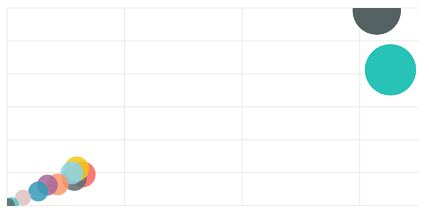
First time it looked exectly how I wanted (with bubble colors for each label) and it looks like this on the dashboard


cap1.PNG

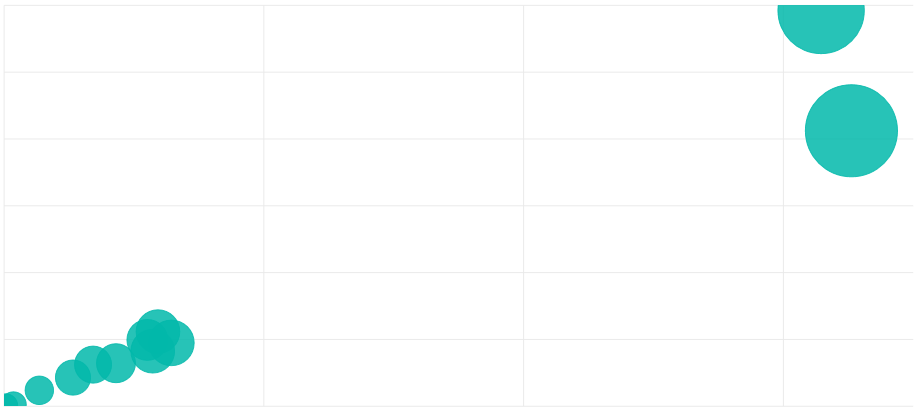
But when I click on the tile and o to the question even though the question is the same, I get the scatterplot with no label colors


cap2.PNG

Data for Everyone! We mean it
5 REPLIES 5
alaeddin14
Helper I
Helper I

Hi @MiguelMartinez 


If the first picture is the result of your question WITHOUT any custom format, it's supposed to be generated the same way when you click on the tile, i've just tried it, when i clicked on the tile, i get exactly the same figure with the same colors as it was genetrated the first time. However, if you make any modefications on the format, then you'll not see those changes when you click on the pinned tile.


Alaeddin

No the first one is the custom one..But it is fixed today..When I click the custom format pin tile it reproduces the custom format..

Konstantinos Ioannou
konstantinos
Memorable Member
Memorable Member

Probably must be related but when in Q&A format/change colors etc and pin it...next time I click it shows the default again and not the custom formatted..

Konstantinos Ioannou

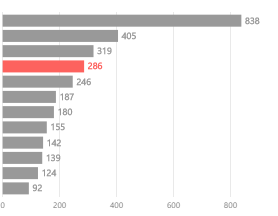
Custom formatin Q&A and pinned to dashboard


Untitled.png


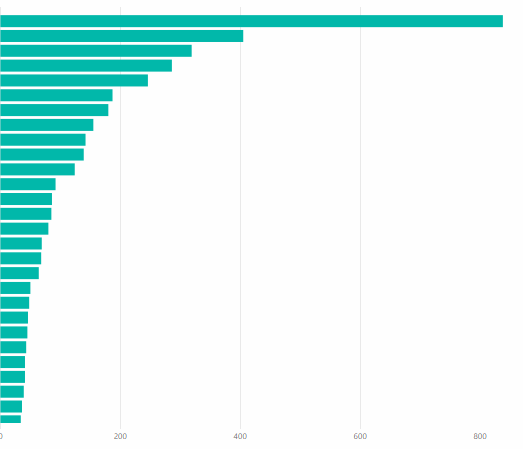
And click the tile to go back to Q&A - default layout


Untitled1.png

Konstantinos Ioannou

Hi @konstantinos 


This is happening with you because when you click on the tile, the question result will be generated again, so you will not see the custom formats you've done.


Alaeddin

Helpful resources

Announcements
New to Fabric survey Carousel

New to Fabric Survey

If you have recently started exploring Fabric, we'd love to hear how it's going. Your feedback can help with product improvements.

Power BI DataViz World Championships carousel

Power BI DataViz World Championships - June 2026

A new Power BI DataViz World Championship is coming this June! Don't miss out on submitting your entry.

Join our Fabric User Panel

Join our Fabric User Panel

Share feedback directly with Fabric product managers, participate in targeted research studies and influence the Fabric roadmap.

March Power BI Update Carousel

Power BI Community Update - March 2026

Check out the March 2026 Power BI update to learn about new features.

Top Solution Authors