cancel
Showing results for 
Search instead for 
Did you mean: 

The Power BI Data Visualization World Championships is back! It's time to submit your entry. Live now!

Reply
brking1980
New Member

No Options for Creating a Dataset

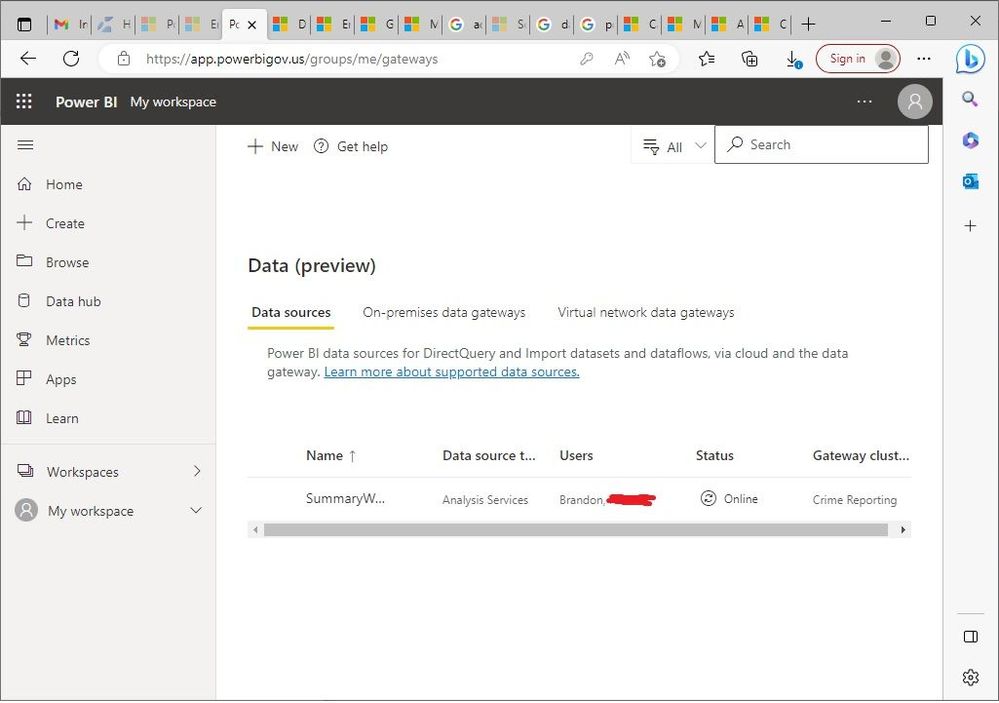
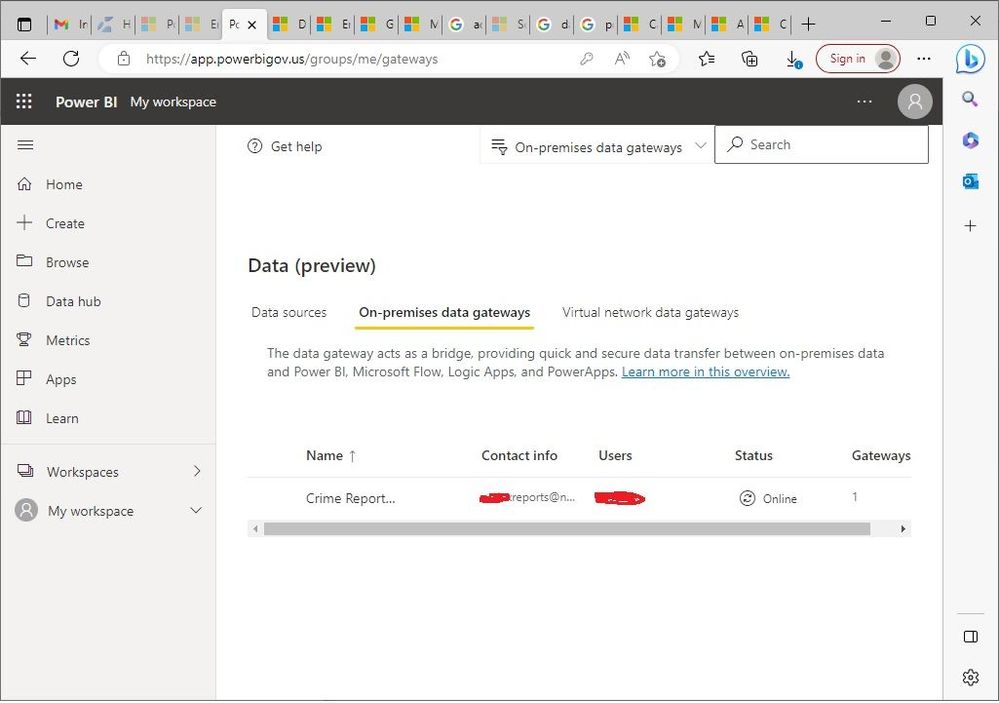
I have set up a gateway to allow PowerBI to communicate with my on-premise Analysis Services data source.  The gateway status indicates it is online and the data source accessed through the gateway also appears to be online.  However, when I go to Settings => Datasets, there are no options available.  As far as I can tell, it appears that everything up to this point is configured correctly, but there are no options to select for creating the dataset.  Any suggestions would be appreciated.


DataGatewayOnline.jpgNoOptionsAvailableForDataset.jpgDataSourceOnline.jpg

1 ACCEPTED SOLUTION
edhans
Community Champion
Community Champion

You create datasets in workspaces, not where you are showing above. The best way to create a dataset is to use Power BI Desktop to connect do the same datasource in the gateway, then publish it to a workspace.


Then in the dataset settings, you connect it to the gateway so it can refresh.


Did I answer your question? Mark my post as a solution!
Did my answers help arrive at a solution? Give it a kudos by clicking the Thumbs Up!

DAX is for Analysis. Power Query is for Data Modeling


Proud to be a Super User!

MCSA: BI Reporting

View solution in original post

1 REPLY 1
edhans
Community Champion
Community Champion

You create datasets in workspaces, not where you are showing above. The best way to create a dataset is to use Power BI Desktop to connect do the same datasource in the gateway, then publish it to a workspace.


Then in the dataset settings, you connect it to the gateway so it can refresh.


Did I answer your question? Mark my post as a solution!
Did my answers help arrive at a solution? Give it a kudos by clicking the Thumbs Up!

DAX is for Analysis. Power Query is for Data Modeling


Proud to be a Super User!

MCSA: BI Reporting
Helpful resources

Announcements
FabCon Atlanta 2026 carousel

FabCon Atlanta 2026

Join us at FabCon Atlanta, March 16-20, for the ultimate Fabric, Power BI, AI and SQL community-led event. Save $200 with code FABCOMM.