Join us at FabCon Atlanta from March 16 - 20, 2026, for the ultimate Fabric, Power BI, AI and SQL community-led event. Save $200 with code FABCOMM.
Register now!Get Fabric Certified for FREE during Fabric Data Days. Don't miss your chance! Request now
Hi everyone,
I have a current power bi file with local data.
Recently I imported another dataset using Power BI dataset (from another model).
Hence, I now have both local data and Power BI dataset.
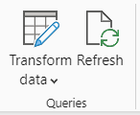
In local desktop, I understand that one way to refresh the power bi dataset is to click the refresh icon:
However, when I do that, it refreshes all the other local datasets that I have in the local file.
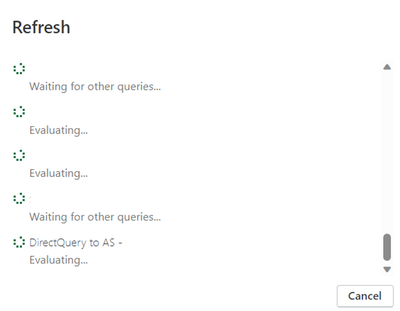
This would lead to a very long refresh:
Is there a way that I can manually refresh just the power bi dataset alone?
(last "DirectQuery to AS" in this case)
Thank you!
Hi @Anonymous ,
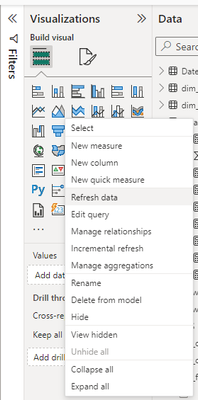
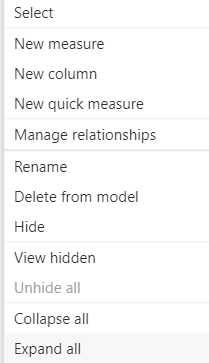
You can refresh a single dataset in Power BI Desktop by right-clicking on the dataset in the Datasets pane and selecting "Refresh Data." This will refresh the data in the dataset from the original data source.
If this post helps, then please consider Accepting it as the solution to help the other members find it more quickly.
Check out the November 2025 Power BI update to learn about new features.
Advance your Data & AI career with 50 days of live learning, contests, hands-on challenges, study groups & certifications and more!