Get certified for free when you join Fabric Data Days 2026 and dive into Fabric, Power BI, SQL, AI, and other essential data skills.
Join nowData Days is here! Join us now for 60+ days of learning, challenges, and connection. Learn more
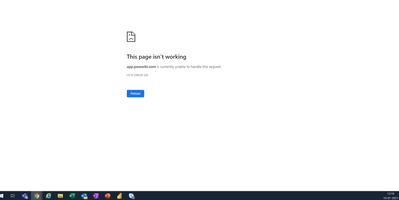
I just got to the office to look at the organisational result which is a PowerBI Report linked to the PowerBI service scheduled refresh and I get the HTTP ERROR 500. This has happened before as I can read in the community forums.
I am using a chrome brower and can see that it works in Incognito but not in the normal browser. Many colleagues have experienced this not only myself. Isn't there a permanent solution to this?
@Novice_user
You can open a ticket to get your issue resolved if you keep facing it : https://powerbi.microsoft.com/en-us/support/
⭕ Subscribe and learn Power BI from these videos
⚪ Website ⚪ LinkedIn ⚪ PBI User Group
Don't miss out on Data Days, June 15 through August 7. Learn Fabric, Power BI, SQL, AI and more.
Check out the May 2026 Power BI update to learn about new features.
| User | Count |
|---|---|
| 16 | |
| 10 | |
| 10 | |
| 8 | |
| 7 |
| User | Count |
|---|---|
| 40 | |
| 36 | |
| 35 | |
| 28 | |
| 20 |