cancel
Showing results for 
Search instead for 
Did you mean: 

The Power BI Data Visualization World Championships is back! Get ahead of the game and start preparing now! Learn more

Reply
Anonymous
Not applicable

Fullscreen mode

Hello,


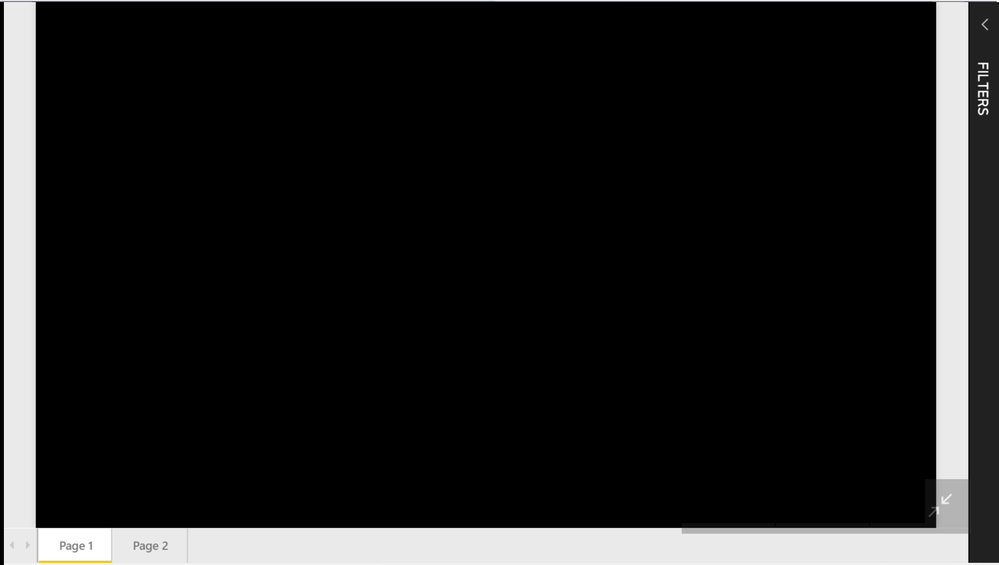
please is there a way how to show a report in COMPLETELY fullscreen mode?When i do the classic fullscreen mode, it has a Filters bar on the right and grey margins around.


My report has black backgorund and I want to show it on TV, but with those margins it does not look good. I also dont want to publish my report on open internet.


Can you help me with that, please? 


It looks like this:

bubak.png

 Thank you, 


1 ACCEPTED SOLUTION
Anonymous
Not applicable

@Anonymous,

It doesn't support to hide the filters bar in this scenario.

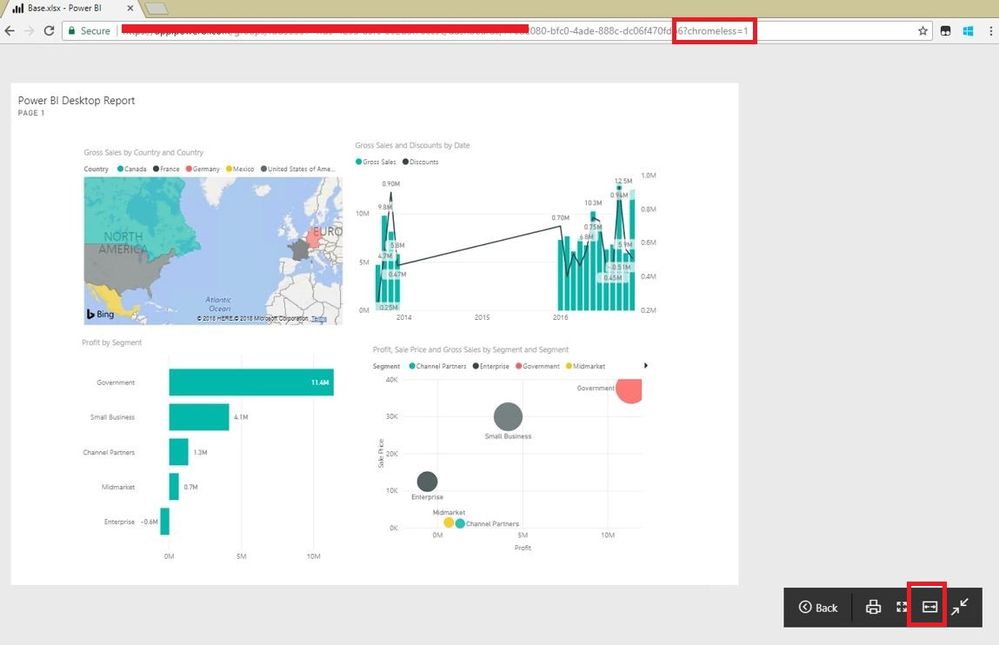
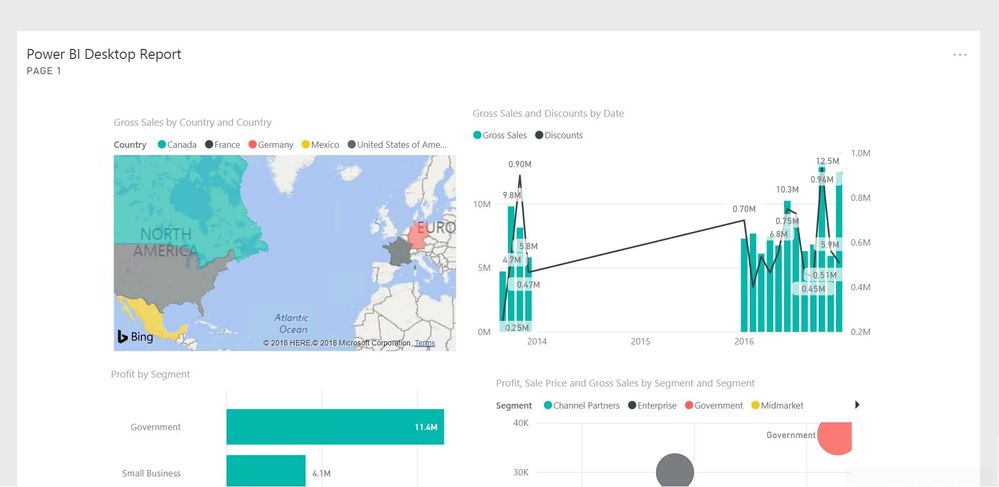
To work around this issue, you can pin live page to dashboard, use Google Chrome to display the dashboard, add the string “?chromeless=1” (no quotes) to the end of the URL of the Power BI dashboar, then click "Fit to Width".
3.JPG2.JPG


Regards,
Lydia

View solution in original post

1 REPLY 1
Anonymous
Not applicable

@Anonymous,

It doesn't support to hide the filters bar in this scenario.

To work around this issue, you can pin live page to dashboard, use Google Chrome to display the dashboard, add the string “?chromeless=1” (no quotes) to the end of the URL of the Power BI dashboar, then click "Fit to Width".
3.JPG2.JPG


Regards,
Lydia

Helpful resources

Announcements
Power BI DataViz World Championships

Power BI Dataviz World Championships

The Power BI Data Visualization World Championships is back! Get ahead of the game and start preparing now!

December 2025 Power BI Update Carousel

Power BI Monthly Update - December 2025

Check out the December 2025 Power BI Holiday Recap!

FabCon Atlanta 2026 carousel

FabCon Atlanta 2026

Join us at FabCon Atlanta, March 16-20, for the ultimate Fabric, Power BI, AI and SQL community-led event. Save $200 with code FABCOMM.