Join us at FabCon Atlanta from March 16 - 20, 2026, for the ultimate Fabric, Power BI, AI and SQL community-led event. Save $200 with code FABCOMM.
Register now!The Power BI Data Visualization World Championships is back! Get ahead of the game and start preparing now! Learn more
I have a table with 70 or so columns uploaded to a PowerBi app. When I export the data to excel, each column shows up as "Sum of xyz." Is there any way other than remaking all 70 columns as measures to make it so the column names in the exported data only show up as the column names and not "sum of (column name)"?
Solved! Go to Solution.
Hi @kmatthews ,
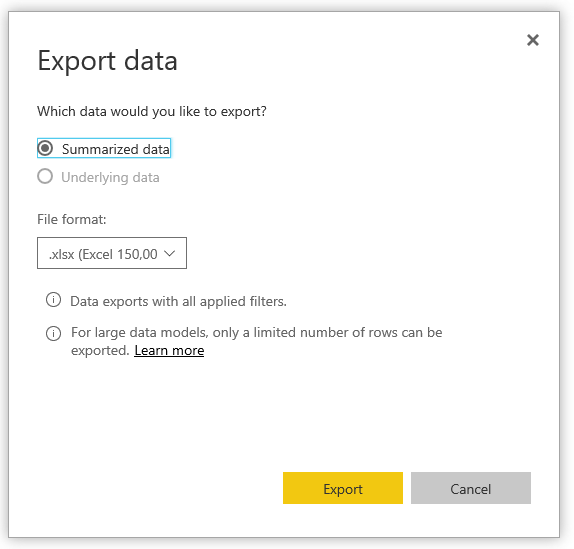
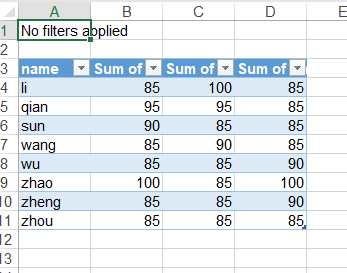
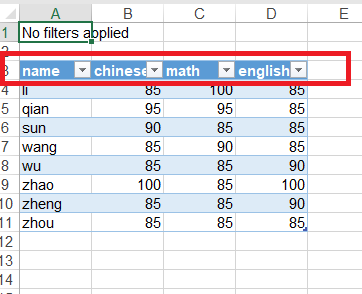
Do you mean that when you export data from a visual in Power BI Service, you get something like this:
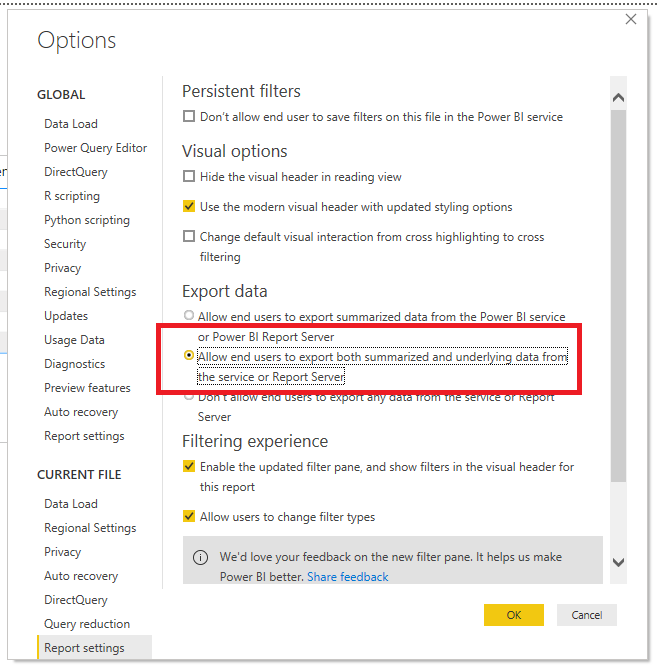
If so, you need to change the Report Setting in Power BI Desktop before publishing.
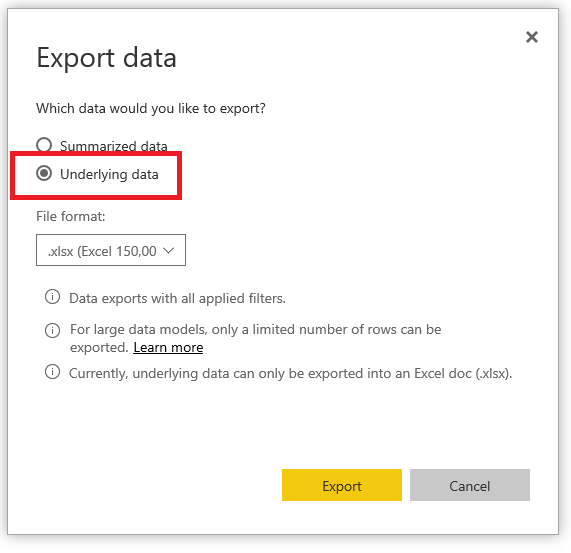
Then, you can get what you want.
Best Regards,
Icey
If this post helps, then please consider Accept it as the solution to help the other members find it more quickly.
Hi @kmatthews ,
Do you mean that when you export data from a visual in Power BI Service, you get something like this:
If so, you need to change the Report Setting in Power BI Desktop before publishing.
Then, you can get what you want.
Best Regards,
Icey
If this post helps, then please consider Accept it as the solution to help the other members find it more quickly.
The Power BI Data Visualization World Championships is back! Get ahead of the game and start preparing now!
| User | Count |
|---|---|
| 45 | |
| 44 | |
| 42 | |
| 15 | |
| 15 |