Get certified for free when you join Fabric Data Days 2026 and dive into Fabric, Power BI, SQL, AI, and other essential data skills.
Join nowJuly 7 - July 17 | Round 2 of the Power BI Dataviz World Championships. Don't miss your chance! Learn more
Previously users have been able to export a report to PDF and the report pages scale automatically to fit the page. As of last week when exporting to PDF only a very small portion of the page gets exported to the PDF page, and I'm not sure why the sudden change or how to fix it?
If I select Print Current Page and then Save as PDF I am able to get one page out scaled appropriately, however this is not a great solution for a multi-page report.
Any suggestions?
Thanks,
Vicky
Hi @Anonymous ,
Is there any custom visual in your report? "Export to PDF" doesn't support custom visuals.
Hi - no there aren't any custom visuals, and the same report has previously been exported to PDF with no issues - no changes have happened to the report in the meantime. Users are trying to export to PDF on PBI Service. This worked fine for a few months, and all of a sudden it has stopped scaling appropriately.
Thanks
Hi @Anonymous ,
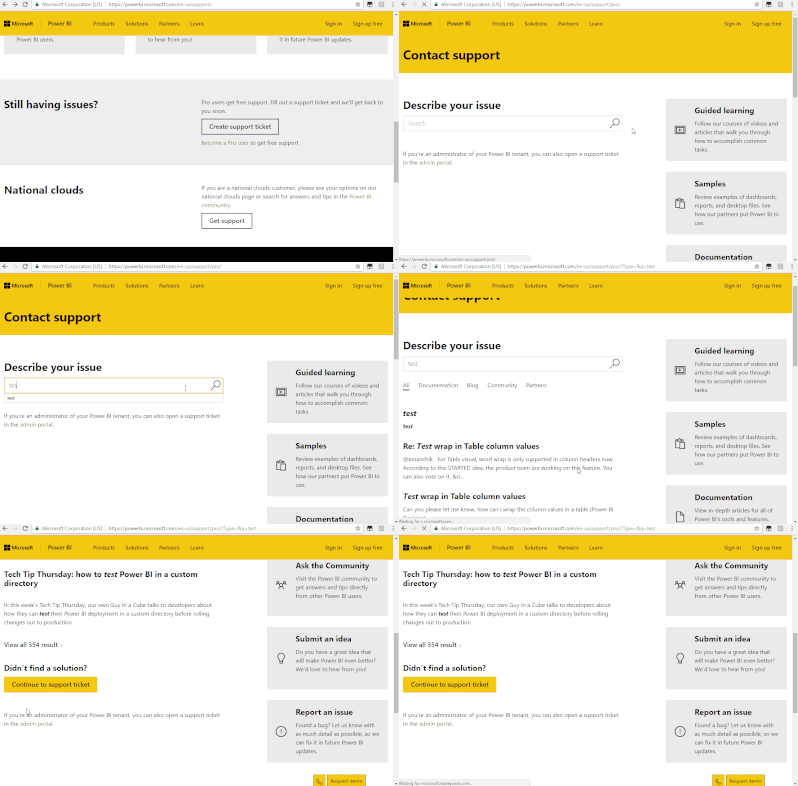
After my testing, i couldn't reproduce this issue. I would suggest you to create a support ticket here.
Join us in Barcelona for FabCon and SQLCon, the Fabric, Power BI, SQL, and AI community event. Save €200 with code FABCMTY200.
Join Fabric Data Days 2026: 60 days of free live/on-demand sessions, challenges, study groups, and certification opportunities.
| User | Count |
|---|---|
| 15 | |
| 14 | |
| 12 | |
| 11 | |
| 8 |
| User | Count |
|---|---|
| 40 | |
| 38 | |
| 29 | |
| 27 | |
| 22 |