This time we’re going bigger than ever. Fabric, Power BI, SQL, AI and more. We're covering it all. You won't want to miss it.
Learn moreDid you hear? There's a new SQL AI Developer certification (DP-800). Start preparing now and be one of the first to get certified. Register now
Previously users have been able to export a report to PDF and the report pages scale automatically to fit the page. As of last week when exporting to PDF only a very small portion of the page gets exported to the PDF page, and I'm not sure why the sudden change or how to fix it?
If I select Print Current Page and then Save as PDF I am able to get one page out scaled appropriately, however this is not a great solution for a multi-page report.
Any suggestions?
Thanks,
Vicky
Hi @Anonymous ,
Is there any custom visual in your report? "Export to PDF" doesn't support custom visuals.
Hi - no there aren't any custom visuals, and the same report has previously been exported to PDF with no issues - no changes have happened to the report in the meantime. Users are trying to export to PDF on PBI Service. This worked fine for a few months, and all of a sudden it has stopped scaling appropriately.
Thanks
Hi @Anonymous ,
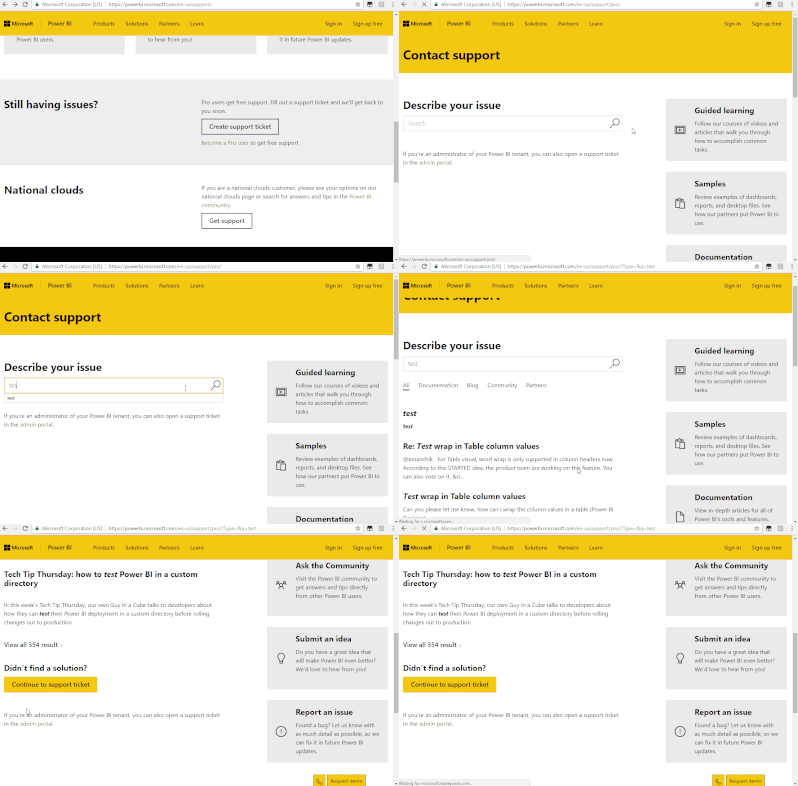
After my testing, i couldn't reproduce this issue. I would suggest you to create a support ticket here.
Check out the April 2026 Power BI update to learn about new features.
Sign up to receive a private message when registration opens and key events begin.
If you have recently started exploring Fabric, we'd love to hear how it's going. Your feedback can help with product improvements.
| User | Count |
|---|---|
| 10 | |
| 8 | |
| 7 | |
| 7 | |
| 7 |
| User | Count |
|---|---|
| 49 | |
| 27 | |
| 21 | |
| 20 | |
| 20 |