Join us at FabCon Atlanta from March 16 - 20, 2026, for the ultimate Fabric, Power BI, AI and SQL community-led event. Save $200 with code FABCOMM.
Register now!Learn from the best! Meet the four finalists headed to the FINALS of the Power BI Dataviz World Championships! Register now
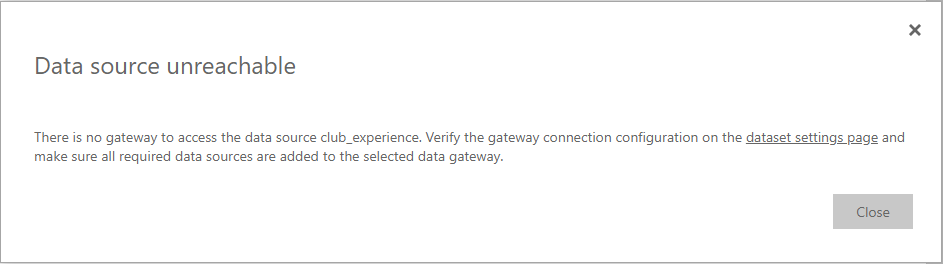
I'm getting the following error:
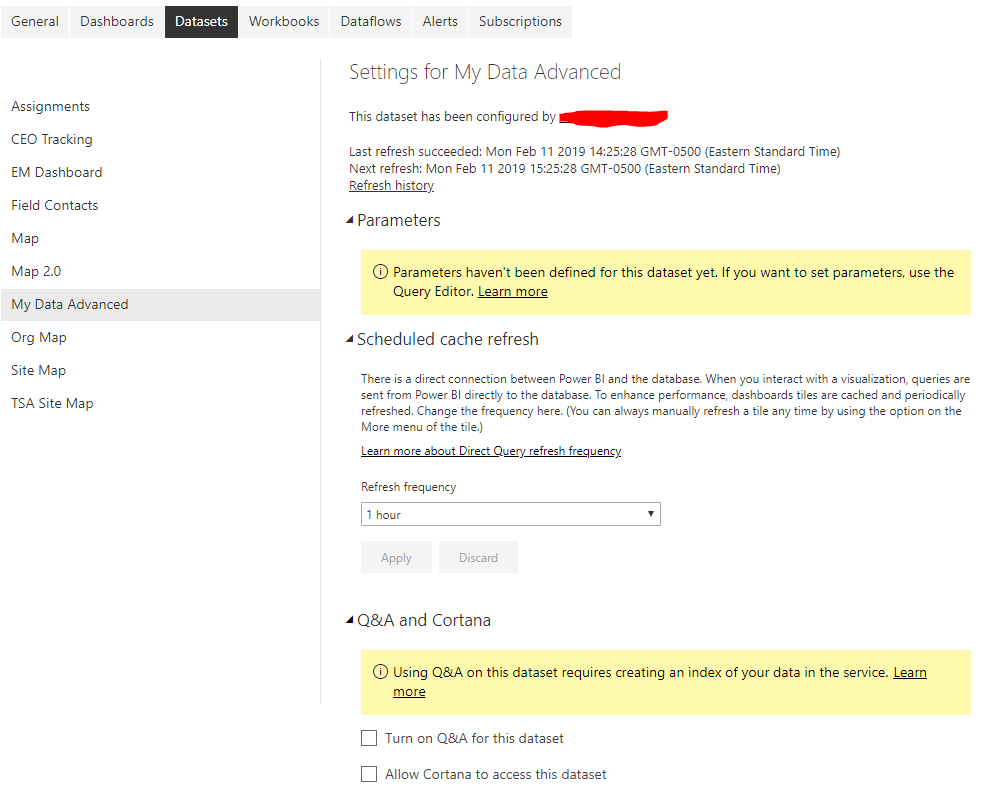
I do not have a gateway setup and all of the sources in the underlying report are set to Import. I cannot for the life of me figure out how to resolve this error. Has anyone else encountered this? Below is a screenshot of the data settings page referenced in the above screenshot:
Solved! Go to Solution.
Hi Cherry,
Thanks for the follow-up. I had started with Direct Query but had converted everything to Import. It seems that publishing the changes did not make the appropriate changes on the Power BI Service end.
My solution was to delete the Report and corresponding Dataset and republish.
Hi @willclein,
What is your data source?
From your image, it seems that you use direct query mode. However, you said you use import mode?
As I know, if your data source is on-premises, you should add the data source to on-premises gateway to so that you could see the data on the report if you use direct query.
In addition, if you want to refresh the dataset, you need to add the data source to gateway no matter direct query or import mode for on-premise data source.
Best Regards,
Cherry
Hi Cherry,
Thanks for the follow-up. I had started with Direct Query but had converted everything to Import. It seems that publishing the changes did not make the appropriate changes on the Power BI Service end.
My solution was to delete the Report and corresponding Dataset and republish.
Hi @willclein ,
Sorry for the delay.
It seems that you have solved your probelm, please always accept the replies making sense as solution to your question so that people who may have the same question can get the solution directly.
Best Regards,
Cherry
Share feedback directly with Fabric product managers, participate in targeted research studies and influence the Fabric roadmap.
Check out the February 2026 Power BI update to learn about new features.