Don't miss your chance to take the Fabric Data Engineer (DP-700) exam on us!
Learn moreWe've captured the moments from FabCon & SQLCon that everyone is talking about, and we are bringing them to the community, live and on-demand. Starts on April 14th. Register now
I was viewing this sample https://powerbi.microsoft.com/en-us/documentation/powerbi-sample-human-resources-take-a-tour/ and I would love to recreate those visuals with our company data. I have reports in excel format, but I am not sure what data I need and how to format it so that I can view the same types of reports. When I try to download the data in excel, I can either view the summarized version, which doesn't seem to come close to what I need and then I can look at the full version, which has everything parsed out after PowerBI analyzed the data.
I would love a tutorial on what exactly I need to put together on an excel spreadsheet and how to upload/edit the data so that I can have the same views.
Solved! Go to Solution.
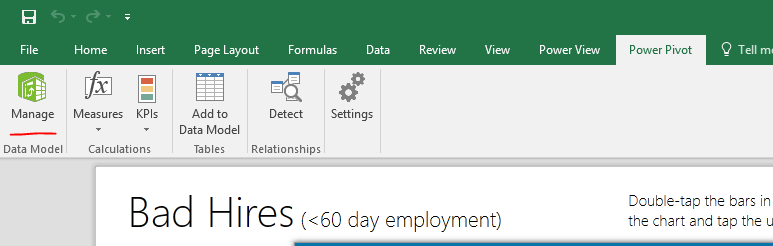
In the sample workbook, the Power View report is fed by a Power Pivot model. You need to import those tables into Power Pivot, then build into a data model. You can also use Power BI Desktop connect this workbook for creating reports.
For more details, please see:
Use the Data Model in Power View
Regards,
In the sample workbook, the Power View report is fed by a Power Pivot model. You need to import those tables into Power Pivot, then build into a data model. You can also use Power BI Desktop connect this workbook for creating reports.
For more details, please see:
Use the Data Model in Power View
Regards,
If you have recently started exploring Fabric, we'd love to hear how it's going. Your feedback can help with product improvements.
A new Power BI DataViz World Championship is coming this June! Don't miss out on submitting your entry.
Share feedback directly with Fabric product managers, participate in targeted research studies and influence the Fabric roadmap.