Get certified for free when you join Fabric Data Days 2026 and dive into Fabric, Power BI, SQL, AI, and other essential data skills.
Join nowJuly 28 - August 9 | Final Round of the Power BI Dataviz World Championships. This is your chance. Learn more
Hi everyone,
When I try to access the web-based interface of Power BI, I can see my dashboard for a second but an error message is shown on top, saying something like "Connection error. Your connection has been lost. Check your network configuration. As soon as the connection is restored, you'll be able to go on using Power BI" (I say "something like" because my interface is in Spanish). I've tried different browsers in my computer, all showing the same error. I've deleted some cookies with no result. The thing is, if I use my iPad, I don't see any error message. Does anyone have an idea of where the problem might be?
Thanks
Daniel
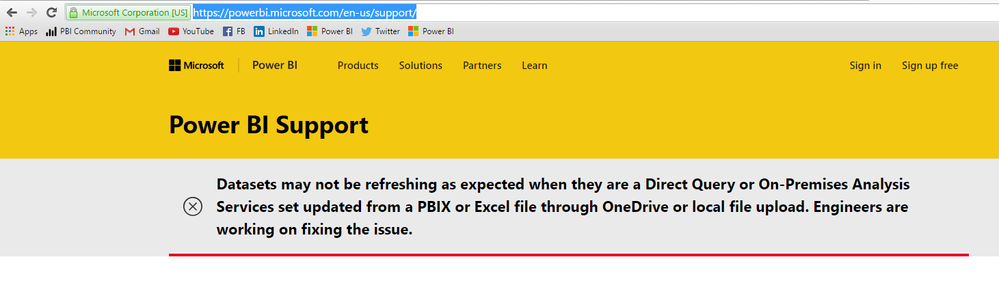
@dburrueco You see for a second due to caching. Your issue could be related to this service issue currently being fixed. I would suggest you check back again once status here has been changed to normal.
Hi Ankitpatira,
thanks for the tip. That may be the reason.
Cheers
If you love stickers, then you will definitely want to check out our community sticker challenge, Barcelona edition!
Check out the July 2026 Power BI update to learn about new features.
| User | Count |
|---|---|
| 10 | |
| 9 | |
| 9 | |
| 7 | |
| 5 |