Join us at FabCon Atlanta from March 16 - 20, 2026, for the ultimate Fabric, Power BI, AI and SQL community-led event. Save $200 with code FABCOMM.
Register now!The Power BI Data Visualization World Championships is back! It's time to submit your entry. Live now!
Hello friends, hoping you are well.
I have an api rest that can only be called by the methodo post and in Power BI Desktop I have no problems, but when wanting to have an updated programming in service I have problems.
This is my advanced editor to consume the api.
let
fechaI = Date.ToText(DateTime.Date(DateTime.LocalNow()),"yyyy-MM-dd'T'HH:mm:ss"),
fechaT = Replacer.ReplaceText(fechaI,"T00:00:00","T23:59:59"),
url = "url api",
body = "{""apiKey"":""api key"", ""inicio"":"""&fechaI&""", ""termino"":"""&fechaT&""", ""identificador"": null}",
Source = Json.Document(Web.Contents(url,[
Headers = [#"Content-Type"="application/json"],
Content = Text.ToBinary(body)
]
)),
in
Source
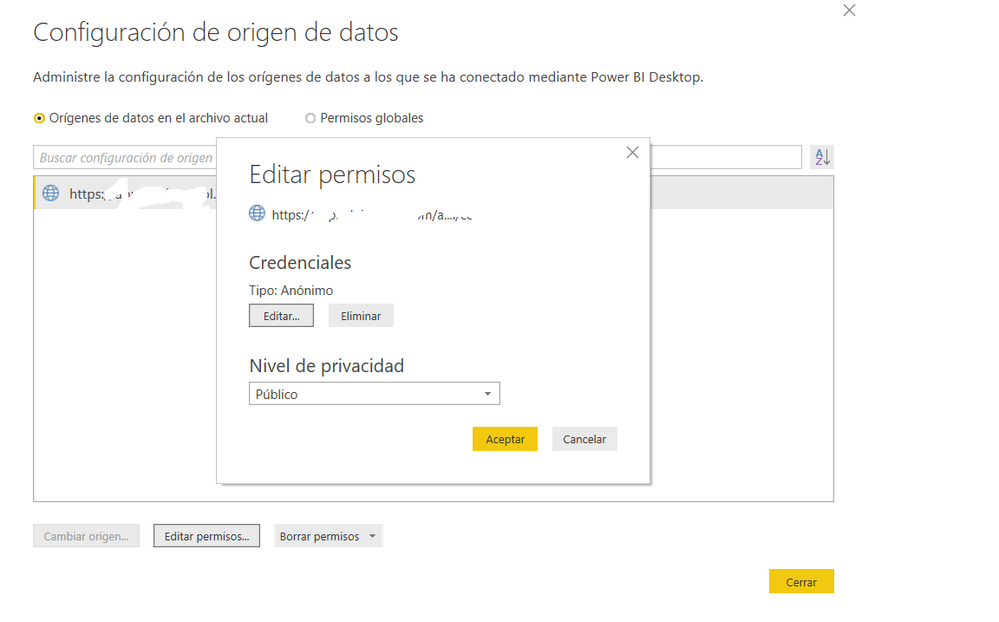
Then he asks me for a web credential where I can put Anonymous and make it public.
So far so good.
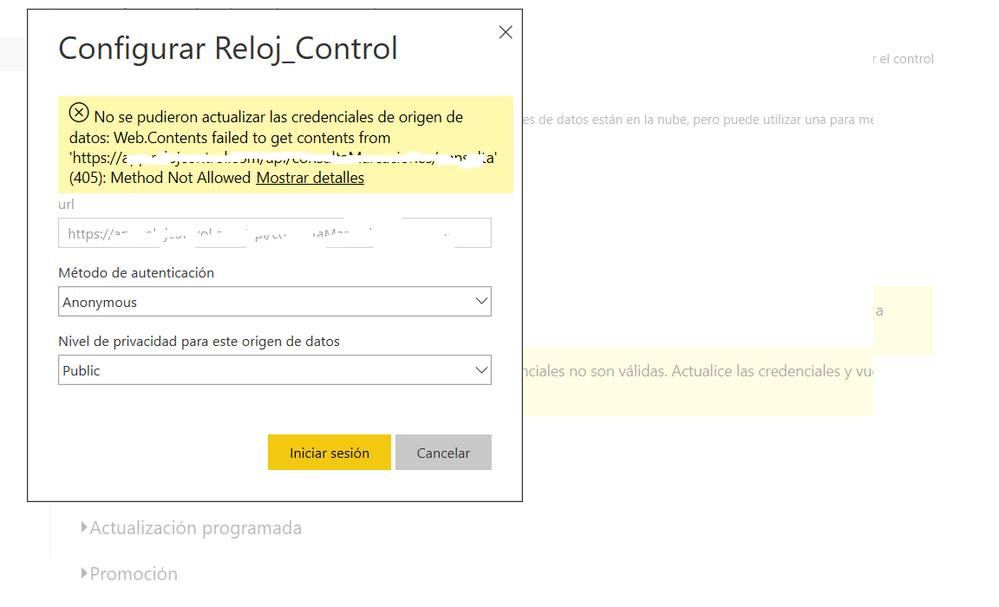
Then I publish my report but when I want to have a scheduled update, I have that error.
I already tried installing and reviewing my gateway and nothing please help.!!!!!!!!!!!!!!!!!!!!!!!!
Solved! Go to Solution.
Hi @ldroguett ,
It seems like detail REST API url not allow you to use anonymous authorizations on it. If this is a case, I'd like to suggest you to add relative path option to convert rest api url to root path and relative path.
let
Source=Web.Contents("https://xxxx.xxxxxxx.com",[Headers = [#"Content-Type"="application/json"],Content = Text.ToBinary(body),RelativePath="/api/xxxxxxx"])
in
Source
Regards,
Xiaoxin Sheng
Hi @ldroguett ,
It seems like detail REST API url not allow you to use anonymous authorizations on it. If this is a case, I'd like to suggest you to add relative path option to convert rest api url to root path and relative path.
let
Source=Web.Contents("https://xxxx.xxxxxxx.com",[Headers = [#"Content-Type"="application/json"],Content = Text.ToBinary(body),RelativePath="/api/xxxxxxx"])
in
Source
Regards,
Xiaoxin Sheng
Thanks !
The Power BI Data Visualization World Championships is back! It's time to submit your entry.