Hi community. I'm having an issue when I try to refresh my report. I've configurate incremental refresh with 2 differents tables.
When I apply to one of them, (it's a very simple table), wverithing is ok.
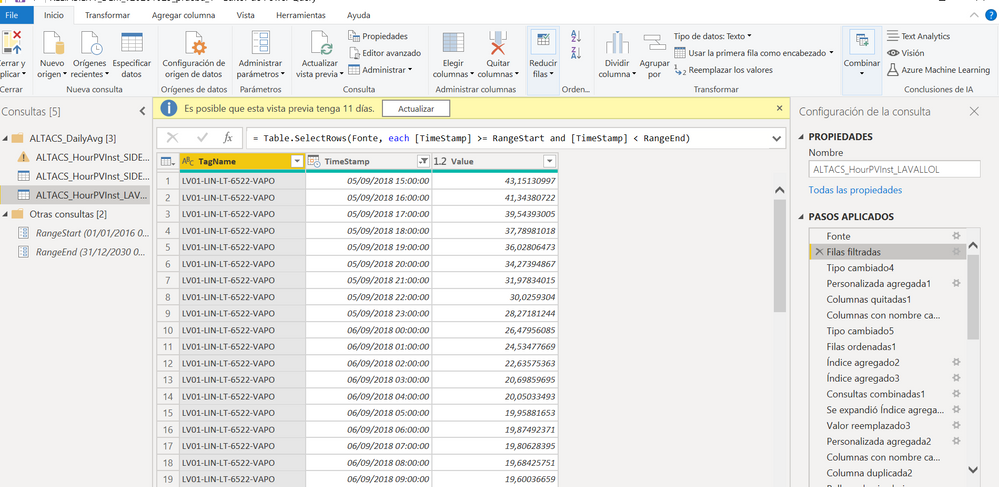
But when I try to apply to the second one, which is a little bit more complicated, having been modified in Power Query, then it fails.
The error message is as follows:
There was an error when processing the data in the dataset.
Please try again later or contact support. If you contact support, please provide these details.
- Data source error{"error":{"code":"DM_GWPipeline_Gateway_MashupDataAccessError","pbi.error":{"code":"DM_GWPipeline_Gateway_MashupDataAccessError","parameters":{},"details":[{"code":"DM_ErrorDetailNameCode_UnderlyingErrorCode","detail":{"type":1,"value":"-2147467259"}},{"code":"DM_ErrorDetailNameCode_UnderlyingErrorMessage","detail":{"type":1,"value":"Erro durante a avaliação."}},{"code":"DM_ErrorDetailNameCode_UnderlyingHResult","detail":{"type":1,"value":"-2147467259"}}],"exceptionCulprit":1}}}
- Cluster URIWABI-EUROPE-NORTH-B-redirect.analysis.windows.net
- Activity ID3f16c325-22fb-4dd1-9b45-cbde1e8266e7
- Request ID433f383a-fd9c-7522-67cc-0229ab5acd6d
- Time2020-11-05 19:03:56Z
I don't know where is the problem. When I go to settings and see parameters, it seems like it doesn't recognized what I've configured in Desktop version.
Any idea what could be happening?
Thanks in advance


