Share feedback directly with Fabric product managers, participate in targeted research studies and influence the Fabric roadmap.
Sign up nowGet Fabric certified for FREE! Don't miss your chance! Learn more
Hi,
I am trying to extract data from this web page - https://www.msn.com/en-gb/sport/football/premier-league/brighton-and-hove-albion-v-stoke-city/game-c...
I want to find data from the 'summary' tab, but I am having no luck.
Is this data extractable using Power BI?
Thanks
@jp1444,
This is not an issue of Power BI Desktop, it is related to the design of your webpage.
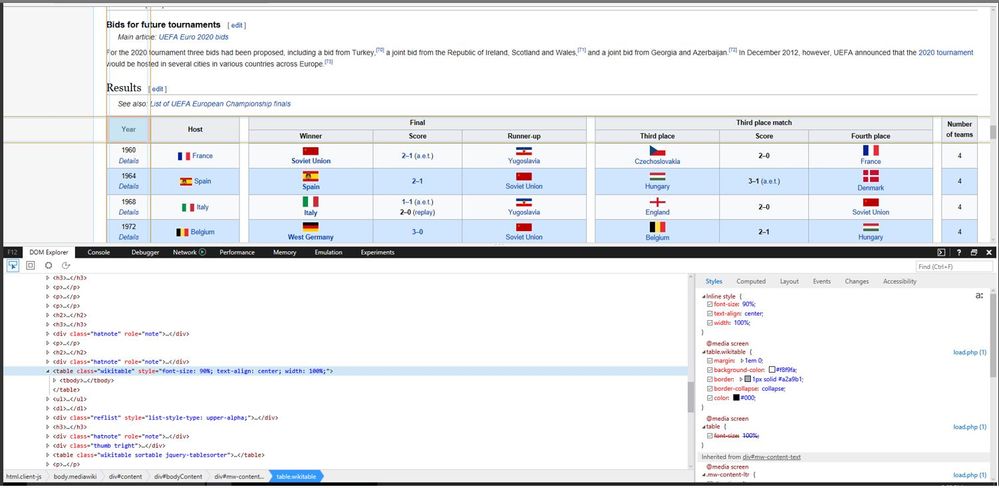
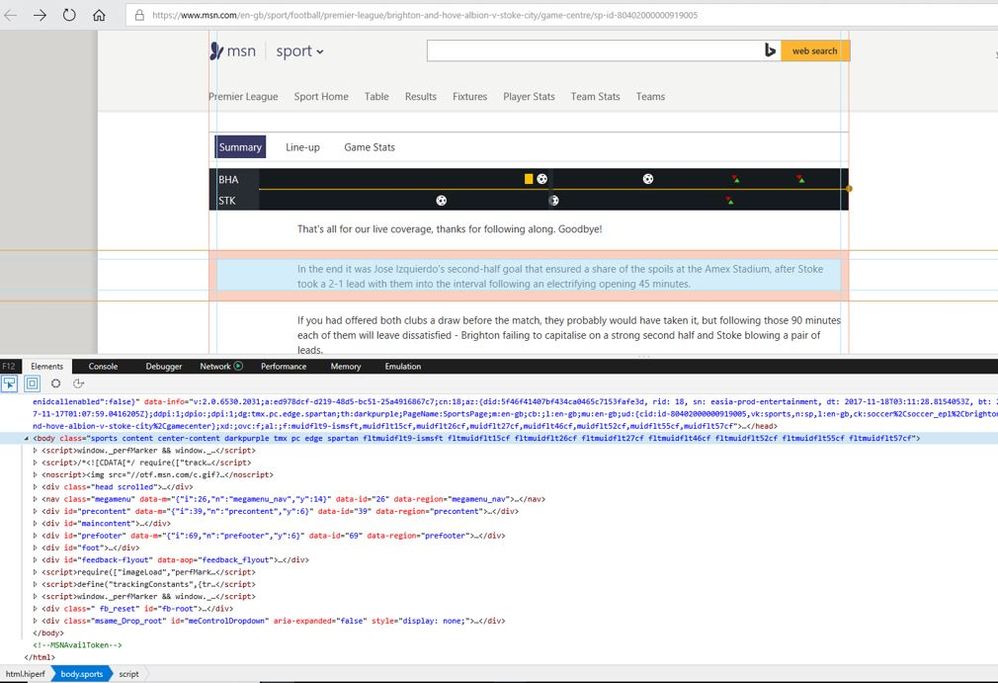
As per this official article, Power BI Desktop can import data from tables on a web page. However, in your scenario, the data in the web page is not stored in a table. You can compare the elements of web page(http://en.wikipedia.org/wiki/UEFA_European_Football_Championship) introduced in official article and your web page(https://www.msn.com/en-gb/sport/football/premier-league/brighton-and-hove-albion-v-stoke-city/game-c... ).
You can contact the support of your web site about how to retrieve data.
Regards,
Lydia
Thanks for the help!
ANother quick question -
Do you know a way I can extract both line ups from a page like this -
http://www.espn.co.uk/football/lineups?gameId=480810
Atm it is only selecting the home team line up, how can I get the away line up as well?
Thanks!!
@jp1444,
You can check that the data in this page is not stored in table format via F12, it is not possible to get data by directly entering the web page URL in Power BI.
Regards,
Lydia
Share feedback directly with Fabric product managers, participate in targeted research studies and influence the Fabric roadmap.
| User | Count |
|---|---|
| 12 | |
| 11 | |
| 11 | |
| 7 | |
| 6 |