cancel
Showing results for 
Search instead for 
Did you mean: 

Get Fabric Certified for FREE during Fabric Data Days. Don't miss your chance! Request now

Reply
Anonymous
Not applicable

power bi & NAV2018 integration: web client is working but windows client is not working properly.

Hi all,

i did all the basic integration process for integrating NAV 2018 and Power BI using azure aad app service .

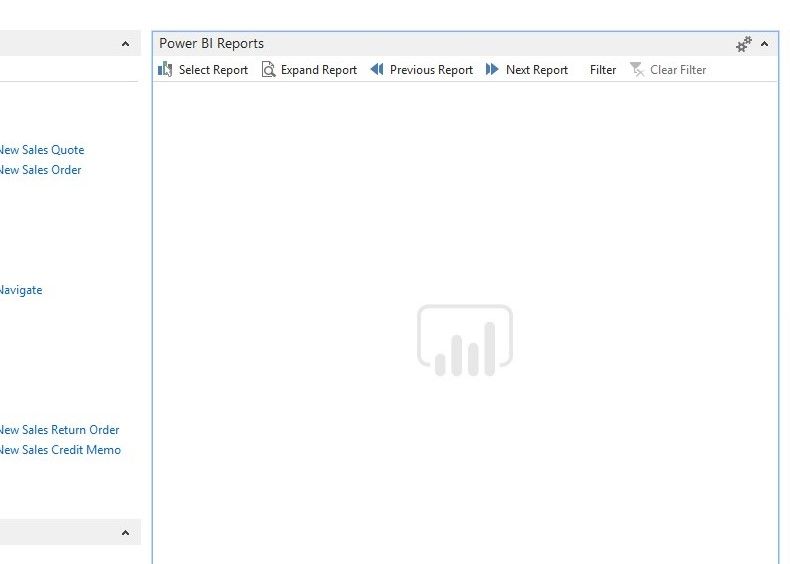
but finally the report is not running windows client say it is loading with power bi logo, report is never shown .

but i tried in web client , it loads and report i selected shows up immediately. i here by attached the screenshot of NAV windows client it.

navpbiss1..jpg


please kindly help me,


Thanks,

valliapan.

2 REPLIES 2
v-piga-msft
Resident Rockstar
Resident Rockstar

Hi @Anonymous,


Based on your screenshot, it seems that you have problems when running reports in NAV2018, you'd better have a consult of the support in NAV to get the more professional help.


If you have problems for Power BI Service, please feel free to ask.


Best  Regards,

Cherry

Community Support Team _ Cherry Gao
If this post helps, then please consider Accept it as the solution to help the other members find it more quickly.
Anonymous
Not applicable

hi @v-piga-msft ,

i have major issue on authorizing odata in power bi service using on premises gateway.


how can i solve this isse

Helpful resources

Announcements
November Power BI Update Carousel

Power BI Monthly Update - November 2025

Check out the November 2025 Power BI update to learn about new features.

Fabric Data Days Carousel

Fabric Data Days

Advance your Data & AI career with 50 days of live learning, contests, hands-on challenges, study groups & certifications and more!

FabCon Atlanta 2026 carousel

FabCon Atlanta 2026

Join us at FabCon Atlanta, March 16-20, for the ultimate Fabric, Power BI, AI and SQL community-led event. Save $200 with code FABCOMM.