Join us at FabCon Atlanta from March 16 - 20, 2026, for the ultimate Fabric, Power BI, AI and SQL community-led event. Save $200 with code FABCOMM.
Register now!The Power BI Data Visualization World Championships is back! It's time to submit your entry. Live now!
Hi Team,
Thanks in advance for your efforts to help me.
I need a small help on IF loop on PowerBi
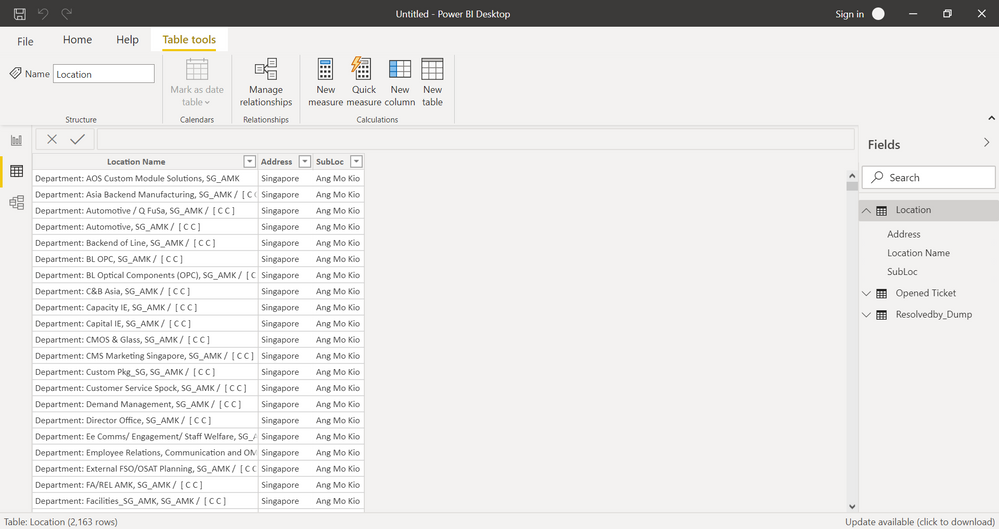
Location = IF(ISERROR(LOOKUPVALUE(Location[Address],Location[Location Name],'Opened Ticket'[Reported By.Location - Room])),
IF(ISERROR(LOOKUPVALUE(Location[Address],Location[Location Name],'Opened Ticket'[Reported By.Organization Unit])),
"OTHERS",
LOOKUPVALUE(Location[Address],Location[Location Name],'Opened Ticket'[Reported By.Location - Room])),
LOOKUPVALUE(Location[Address],Location[Location Name],'Opened Ticket'[Reported By.Organization Unit])
)
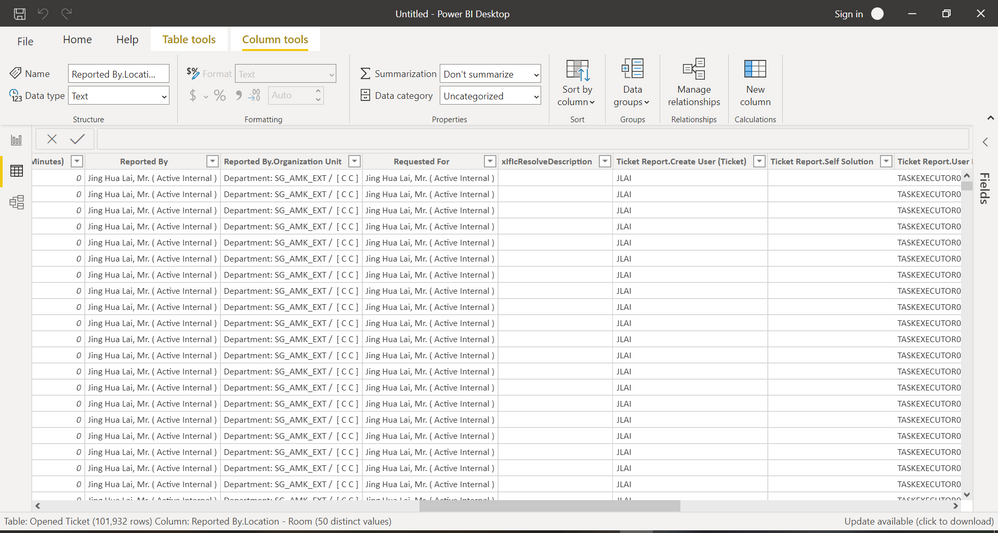
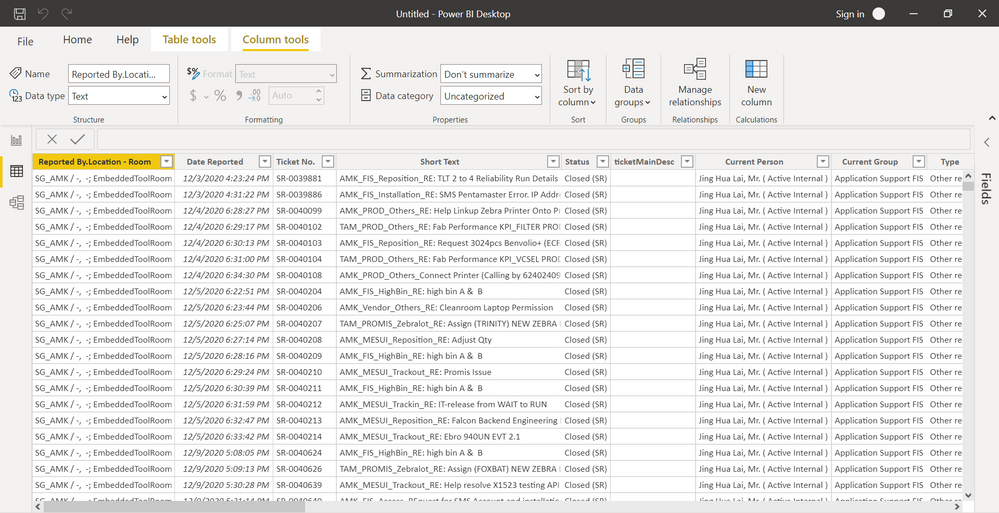
Above is my code, I'm getting the results correctly but, those which can find any results should return "OTHERS". For some reason, it just comes as BLANK.
Do you think you can help?
Solved! Go to Solution.
Hey @Anonymous ,
it's because of the order of you IFs. It won't return "OTHERS". In general I find that approach a little hard to read.
I also don't think you need ISERROR as LOOKUPVALUE just returns BLANK() if it won't find a match.
So I would use variables and a combination of SWITCH and TRUE instead of the IFs. For me that is more clear to read. Check it out:
Location =
VAR vReportedByLocationRoom =
LOOKUPVALUE(
Location[Address],
Location[Location Name], 'Opened Ticket'[Reported By.Location - Room]
)
VAR vReportedByOrganizationUnit =
LOOKUPVALUE(
Location[Address],
Location[Location Name], 'Opened Ticket'[Reported By.Organization Unit]
)
RETURN
SWITCH(
TRUE(),
vReportedByLocationRoom <> BLANK(), vReportedByLocationRoom,
vReportedByOrganizationUnit <> BLANK(), vReportedByOrganizationUnit,
"OTHERS"
)
Hey @Anonymous ,
it's because of the order of you IFs. It won't return "OTHERS". In general I find that approach a little hard to read.
I also don't think you need ISERROR as LOOKUPVALUE just returns BLANK() if it won't find a match.
So I would use variables and a combination of SWITCH and TRUE instead of the IFs. For me that is more clear to read. Check it out:
Location =
VAR vReportedByLocationRoom =
LOOKUPVALUE(
Location[Address],
Location[Location Name], 'Opened Ticket'[Reported By.Location - Room]
)
VAR vReportedByOrganizationUnit =
LOOKUPVALUE(
Location[Address],
Location[Location Name], 'Opened Ticket'[Reported By.Organization Unit]
)
RETURN
SWITCH(
TRUE(),
vReportedByLocationRoom <> BLANK(), vReportedByLocationRoom,
vReportedByOrganizationUnit <> BLANK(), vReportedByOrganizationUnit,
"OTHERS"
)
Thank you very much 😃
This indeed worked like charm.
I'll be very happy to give you more than 1 thumbs up 😉
Have a wonderful day
Hey @Anonymous ,
I'm happy it works 😊
Best regards
Denis
The Power BI Data Visualization World Championships is back! It's time to submit your entry.
Check out the January 2026 Power BI update to learn about new features.
| User | Count |
|---|---|
| 18 | |
| 13 | |
| 9 | |
| 8 | |
| 8 |