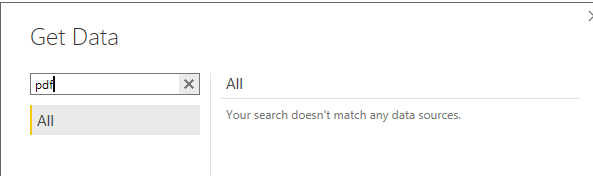
Hi,
I've been asked how to importing selected data from a PDF into Power Query. I've been using a simple file with the following table in it

the file is at https://1drv.ms/u/s!AmxJyApgEAcYgspl_8eZQm65GwmioQ
I found some instructions at https://powerbloggerbi.com/2016/03/10/power-query-import-pdf/:
- Open the PDF document from Word 2013. You can choose to show only the PDF files to speed-up your search.
- Click ok to the message warning you that Word will convert the PDF document in editable Word document.
- Activate the editing if word ask you.
- Now, save as the document to Web Page (HTML) format. That’s what permit us to import it in Power Query.
- Close Word and Open Excel
- Select the Power Query tab and choose the « From Web » option.
- .A dialog window will ask for an URL address. This URL can be a local file, select you file just saved.
- The Navigator will appear on the right, displaying the multiple tables found on that page, select what you interested in and import in powerpivot
but I can't get them to work fully: at step 8, after importng and expanding children, I get the following:
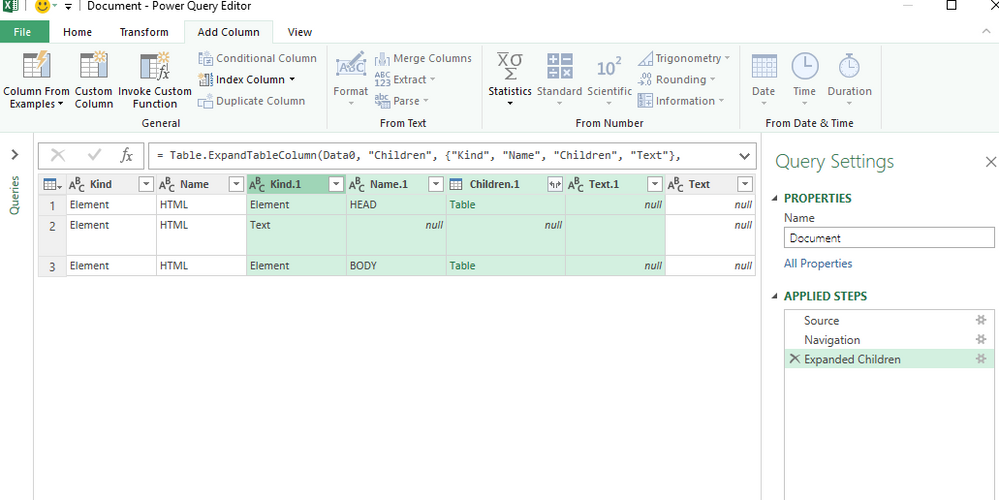
I need to get from this to a formatted table showing the actual data - can anyone help?
Thanks!