

This time we’re going bigger than ever. Fabric, Power BI, SQL, AI and more. We're covering it all. You won't want to miss it.
Learn moreDid you hear? There's a new SQL AI Developer certification (DP-800). Start preparing now and be one of the first to get certified. Register now
Hello!
I've got several tables uploaded to PBI dataflows and further using them for a report.
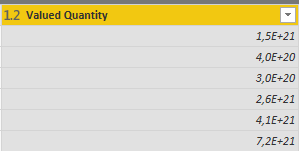
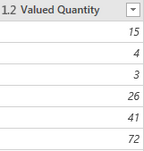
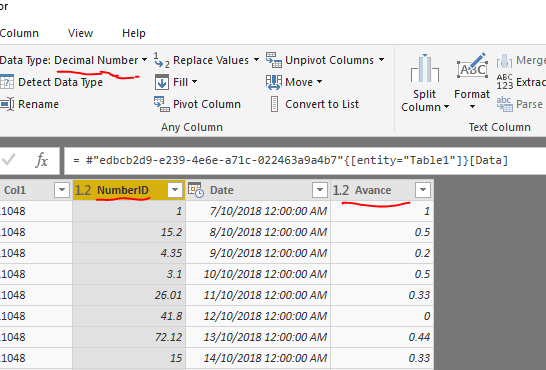
The columns that are in decimal format are not coming out correctly in PBI Desktop:PBI Desktop
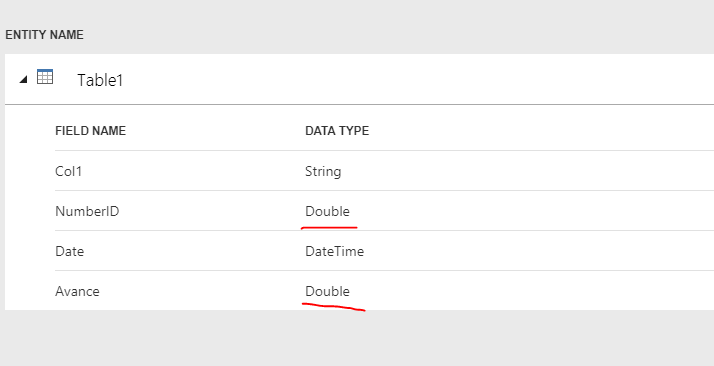
PBI Dataflows
Do we know what causes this to occur and how to possibly fix it?
Br,
Johannes
Solved! Go to Solution.
I'm experiencing the exact same problem. I use dataflows, power BI desktop and then I publish to power BI service.
I use Locale for import: Dutch (Belgium), in power BI desktop.
this makes dataflows unusable until fixed. ![]()
for more info see my post below:
@MatthewRoche is de product development team aware of this issue?
@tex628,
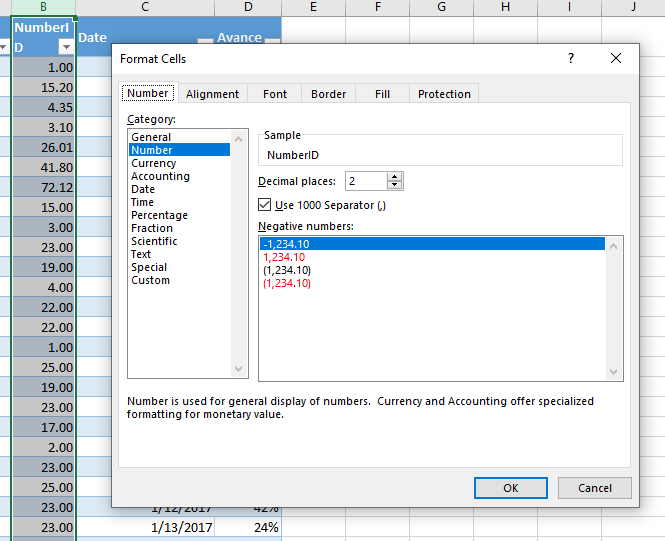
I am unable to reproduce this issue on my side. Have you changed the type of the columns in Dataflow to decimal number?Source excel file
dataflow
dataflow
Power BI Desktop
Regards,
Lydia
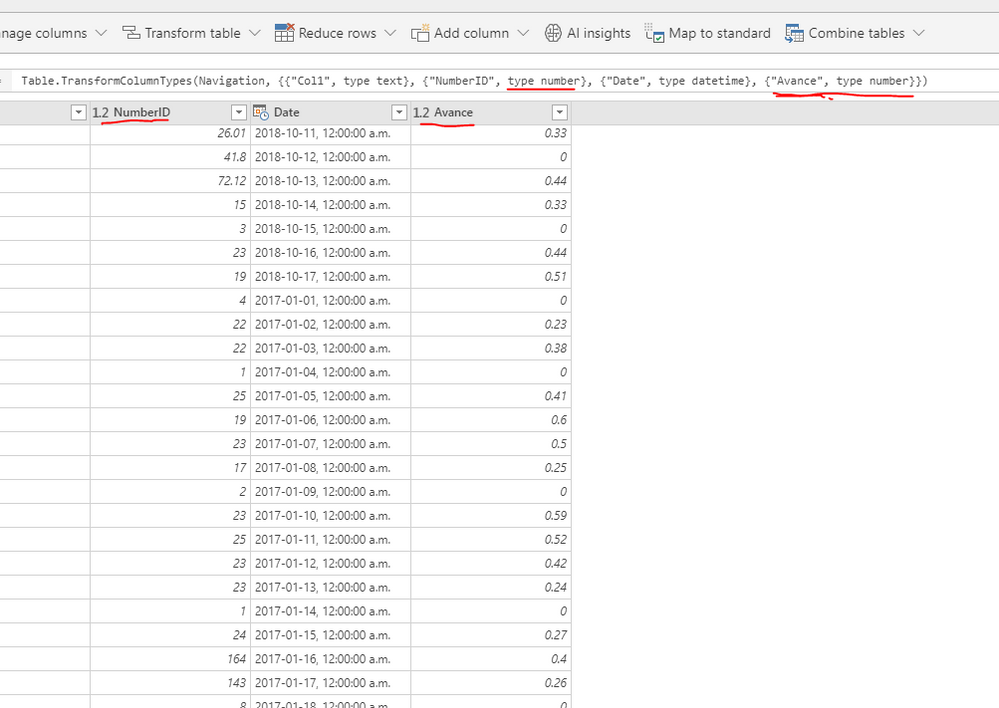
My source is MSSQL Server. So that might be a factor. But this is the formatting settings: Dataflows
Dataflows
PBI Desktop
Previous image is taken with raw data from flows, no transformations
Any idea's?
@tex628,
What data type do you set for the column in SQL Server? Could you please the original sample data in SQL Server table? It seems that you store whole numbers as decimal number in SQL Server table.
Regards,
Lydia
I'm experiencing the exact same problem. I use dataflows, power BI desktop and then I publish to power BI service.
I use Locale for import: Dutch (Belgium), in power BI desktop.
this makes dataflows unusable until fixed. ![]()
for more info see my post below:
@MatthewRoche is de product development team aware of this issue?
Check out the April 2026 Power BI update to learn about new features.
Sign up to receive a private message when registration opens and key events begin.
If you have recently started exploring Fabric, we'd love to hear how it's going. Your feedback can help with product improvements.