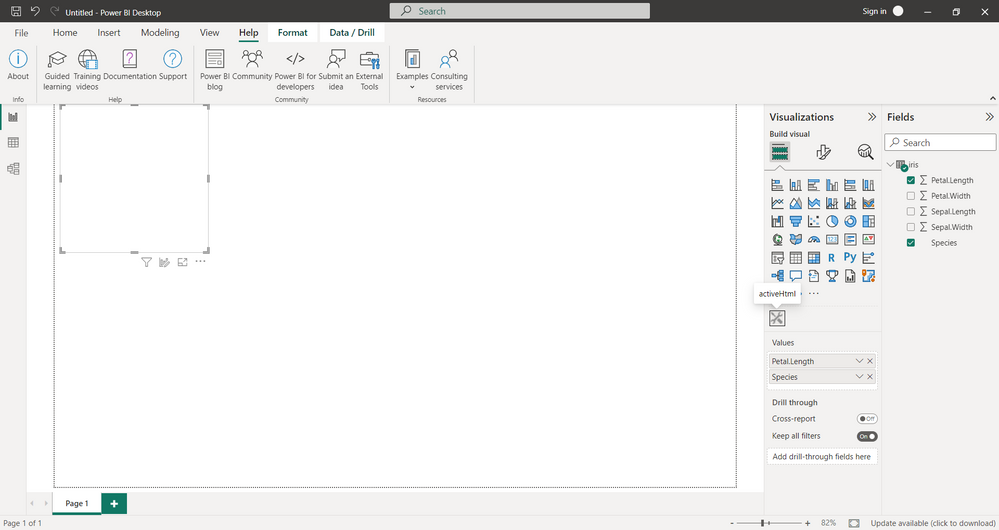
I want to plot a simple interactive graph in power BI only.
I use:
rhtml template
"pbiviz package" does not throw errors
in power BI I have no errors, but and the graph is not visible too
source('./r_files/flatten_HTML.r')
############### Library Declarations ###############
libraryRequireInstall("ggplot2");
libraryRequireInstall("plotly")
####################################################
################### Actual code ####################
qplot(`Petal.Length`, data = iris, fill = `Species`, main = Sys.time());
g = qplot(`Petal.Length`, data = iris, fill = `Species`, main = Sys.time());
####################################################
############# Create and save widget ###############
p = ggplotly(g);
internalSaveWidget(p, 'out.html');
####################################################
# ################ Reduce paddings ###################
ReadFullFileReplaceString('out.html', 'out.html', ',"padding":[0-9]*,', ',"padding":0,')
####################################################