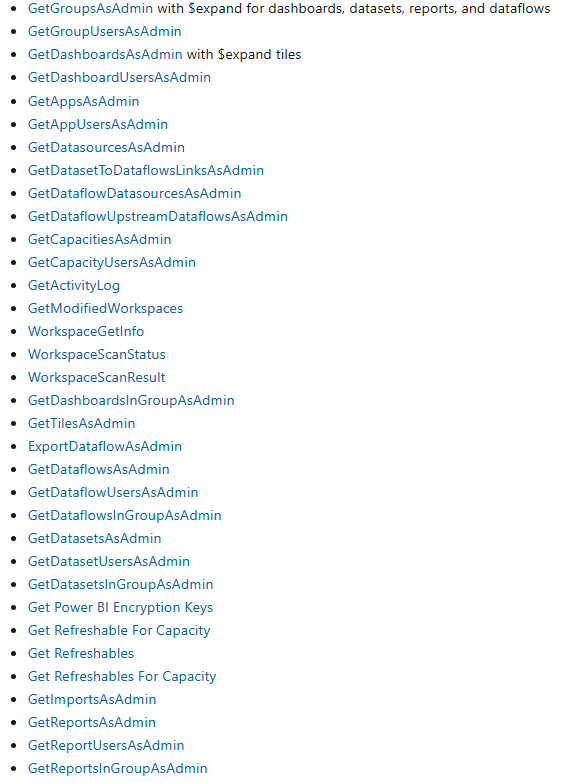
I want to prepare a report that shows the usage statistics of our PowerBI reports. I wanted to use the PowerBI Rest API for this. I was able to access this API and do a few operations, but we cannot access other methods (Admin) that we want to access (such as creating a group, listing the group we created). We are getting a 401 error. I think that we have given the necessary authorizations on Azure and through Power BI Admin, but I think there is a point we missed.
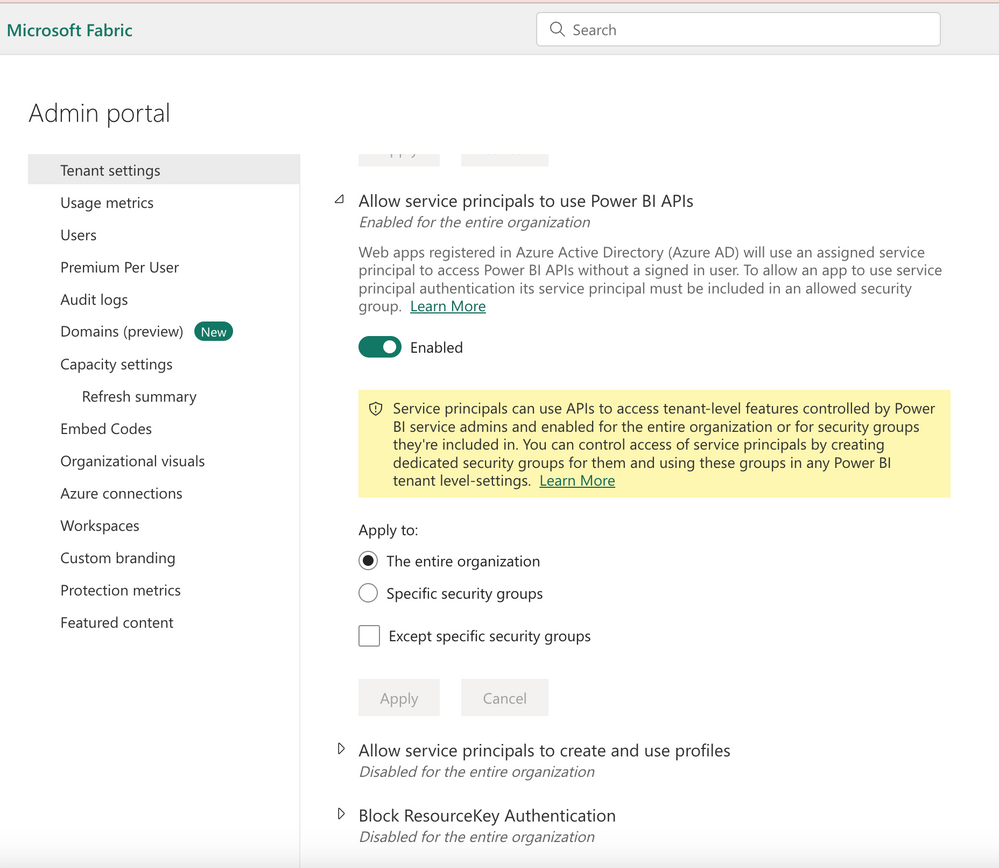 PowerBI Portal Admin Settings
RESOURCE_URL = 'https://analysis.windows.net/powerbi/api/.default'
GROUP_URL = "https://api.powerbi.com/v1.0/myorg/groups"
ADMIN_URL = "https://api.powerbi.com/v1.0/myorg/admin/apps"
ADMIN_GROUP_URL_BASE = "https://api.powerbi.com/v1.0/myorg/admin/groups"
REPORT_URL = "https://api.powerbi.com/v1.0/myorg/groups/{}/reports"

token = { "bearer": None, "expiration": None }

headers = { "Content-Type': 'application/json" }
#response = requests.post("https://login.microsoftonline.com/", headers = headers, data = body)

auth = ClientSecretCredential (authority = AUTHORITY_URL, tenant_id = TENANT_ID, client_id = CLIENT_ID, client_secret = CLIENT_SECRET)
access_token = auth.get_token(RESOURCE_URL)
access_token = access_token.token
print(access_token)

bearer = access_token
token["bearer"] = "Bearer {}".format(bearer)
token["expiration"] = datetime.datetime.now() + datetime.timedelta(hours = 1)
rint(token)
headers = { "Authorization": token["bearer"] }

def CreateGroup(group_name:str):
    workspace_v2=True
    body = {
      "name": group_name
    }

    parameters = "?workspaceV2=True"

    response = requests.post(GROUP_URL + parameters, headers = headers, data = body)

    if response.status_code == HTTP_OK:
        print("New group created")

def GetGroups():
    response = requests.get(GROUP_URL, headers = headers)
    print(response)
    if response.status_code == HTTP_OK:
        print(response.json()["value"])

GetGroups()
Response :
https://api.powerbi.com/v1.0/myorg/admin/groups?$top={$top}
<Response [401]>
Please could you suggest a way to solve this problem.
Thanks.