Don't miss your chance to take the Fabric Data Engineer (DP-600) exam for FREE! Find out how by attending the DP-600 session on April 23rd (pacific time), live or on-demand.
Learn moreNext up in the FabCon + SQLCon recap series: The roadmap for Microsoft SQL and Maximizing Developer experiences in Fabric. All sessions are available on-demand after the live show. Register now
Hello Everyone,
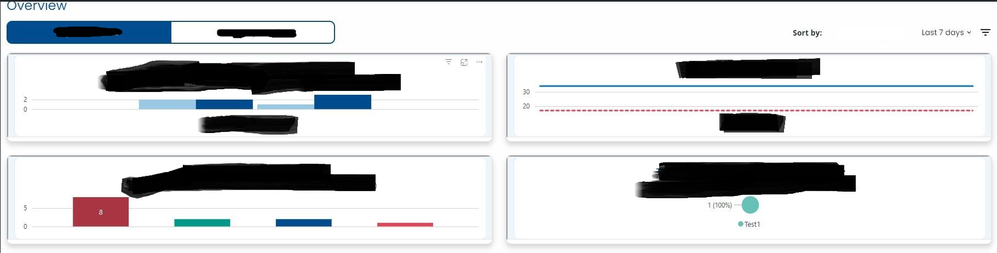
This is my first time here and working with Power BI. We are trying to render power bi visulas within a React App. We can render it, but the size of the visual is too small. How can we style it and increase the height or width of it?
Under the hood, we are using a library called powerbi-client-react. It renders within an IFrame. Each visual/chart is rendered individually.
Thanks in advanced!
Solved! Go to Solution.
Update. We were able to figure it out. Within the powerbi-client-react component, there is a cssClassName property that we were able to use. We created a cssClass, applied it in the cssClassName property, and set the height / width.
If you have recently started exploring Fabric, we'd love to hear how it's going. Your feedback can help with product improvements.
A new Power BI DataViz World Championship is coming this June! Don't miss out on submitting your entry.
Experience the highlights from FabCon & SQLCon, available live and on-demand starting April 14th.
| User | Count |
|---|---|
| 1 | |
| 1 | |
| 1 | |
| 1 | |
| 1 |